Innhold Show
You do not need to know how to sing, film or edit video to make a music video with AI. I had been ill for six months – headaches, stomach pain and joint pain. The health service gave me enough painkillers that I could not tell exactly how much pain I was in, but not enough help to find out what was actually wrong. One day, I decided to make something instead of sitting around waiting.
The result was “Number On A List” – a gritty blues-rock song in English about exactly that: pain, waiting lists and a health service that looks straight through you. I made the entire music video by talking to Claude Code. No manual video editing. No camera. No recording studio.
Here is the whole story – the tools, the pipeline, what worked and what became a spectacular mess along the way.
What is “Number On A List”?
The song is quite simply about being ill for six months without getting any answers. The lyrics are honest – perhaps a little too honest. “Wake up to a hammer in the back of my skull / Acid in my stomach, joints that scream and stall / Six months in the dark and the doctors just shrug / Hand me little pills to keep me numb and dumb.” It was not difficult to write.
The music is gritty blues-rock. A little dark, a little angry and a little sad. It was not an attempt to fit a genre – it was simply the sound that suited the lyrics. And since I cannot sing anyway, I let Suno handle that part.
The funny thing – if you can call it funny – is that the project became as much a technical experiment as a creative one. A few hours later, I was fixing ffmpeg scripts instead of thinking about pain. That helps.
The tools – and what each one did
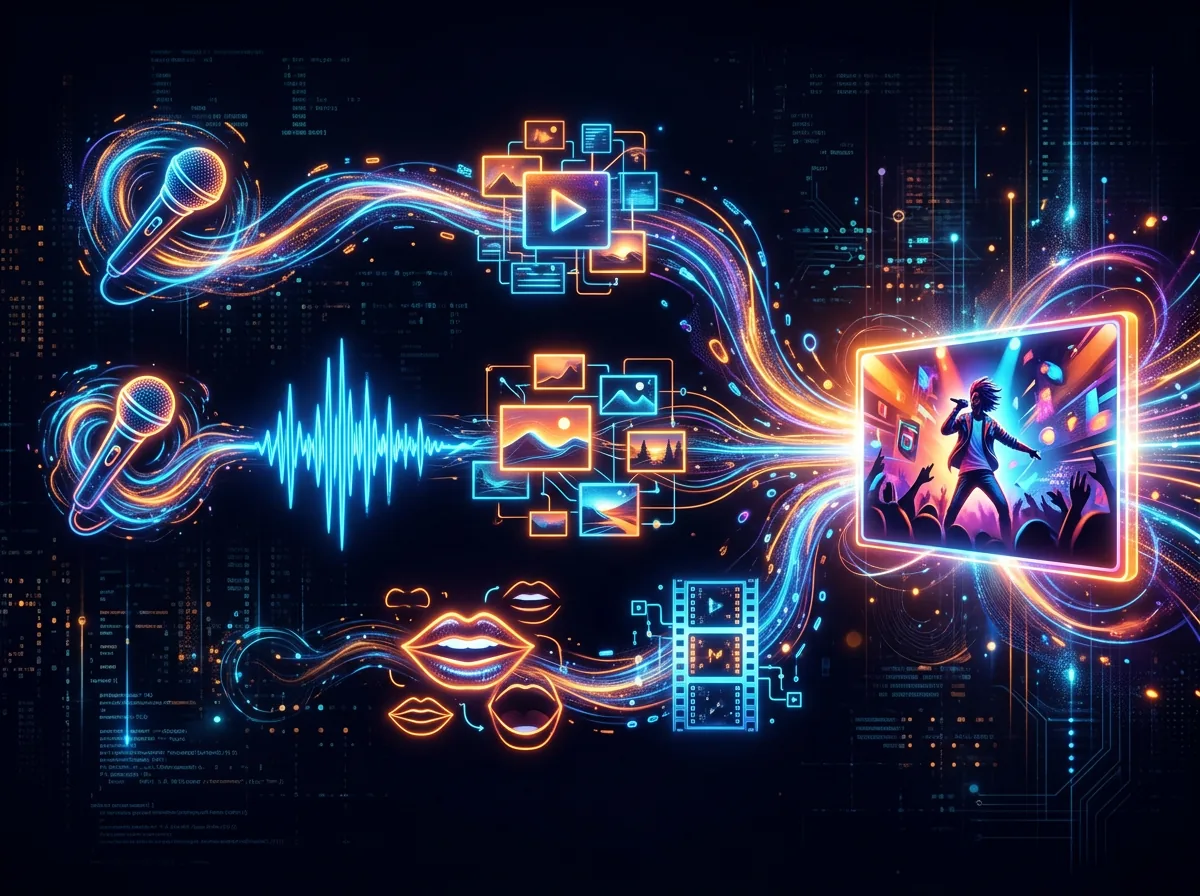
Here is the complete tech stack, in the order the pieces actually fit together:
- Suno V5.5 – song and vocals. I write the lyrics and style instructions, and Suno sings. Faster and better than I could ever have managed myself. I had already written about my experience with Suno – after 150 songs, I know what works.
- OpenAI Whisper (large-v3-turbo) – transcribed the song with timestamps. Every word received a start and end time. That is the foundation for synchronizing the video to the lyrics line by line.
- Nano Banana 2 – images. It handled the thumbnail, the character sheet and part of the visual styling. Nano Banana 2 was still the fastest image model I used at the time.
- Google Gemini Omni (via KIE) – most of the video B-roll. Fast, inexpensive and full of life. It was the big surprise of this project.
- Kling AI Avatar – lip-sync for the singing shots, where the mouth actually had to match the vocals.
- ffmpeg – glued everything together. Clip by clip, synchronized to the Whisper timestamps, with the full song as the audio track.
All of it was orchestrated from a single terminal by talking to Claude Code.
How Claude Code orchestrated the whole production
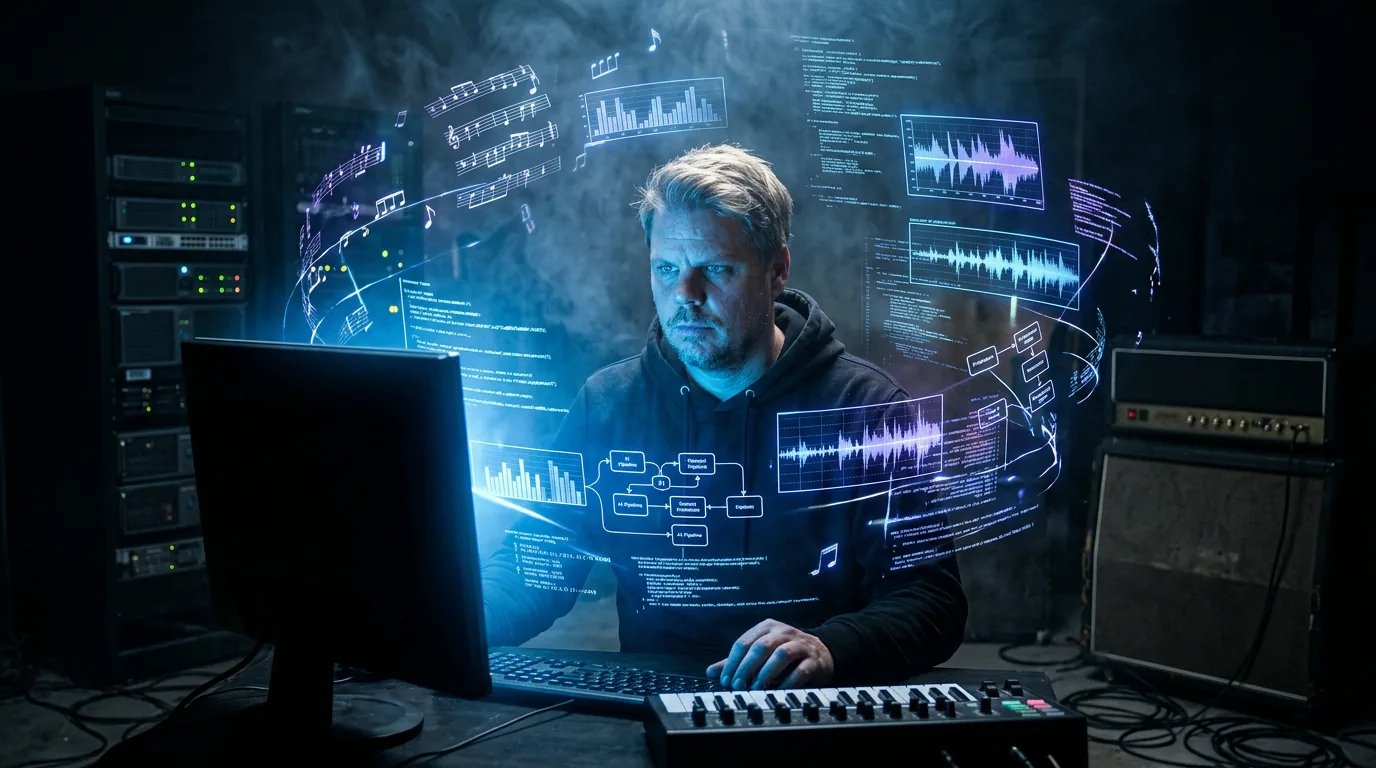
The point of this project – and the reason I am writing about it here – is that I did not edit the video manually. Not a single clip. I gave Claude Code the job, and it worked through API calls and scripts to stitch the production together.
The workflow went roughly like this: Whisper analyzed the audio file and returned JSON containing timestamps for every word and line. The system then generated video prompts for each segment – a few seconds of music-video imagery suited to that particular lyric. Gemini Omni generated the B-roll, Kling handled the lip-sync sequences, and ffmpeg assembled everything into one continuous video with the song as its soundtrack. If a clip was too short, Claude Code generated another. If a segment was missing, it was logged and fixed.
It was similar to what I had previously done with a poem by my great-great-grandfather, but this time I was working with original material and a more complex pipeline involving several models. This one was also harder because the subject matter is dark.
What went wrong (and most things went wrong)
Let me be honest: this video did not come together on the first attempt. It did not come together on the fifth attempt either.
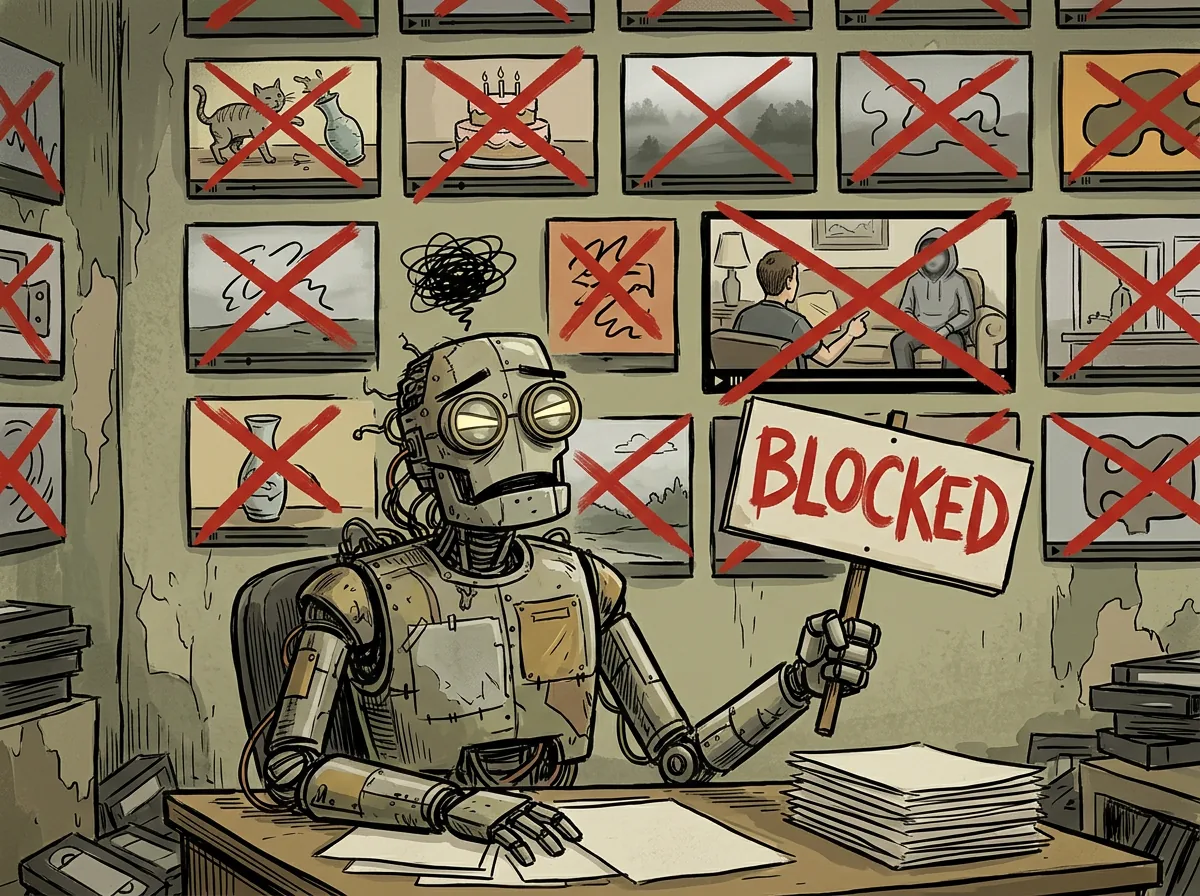
The content filter was hell. Lyrics such as “numb and dumb”, “hand me pills” and “drowned in silence” repeatedly triggered PUBLIC_ERROR_UNSAFE_GENERATION from the video models. Not because the lines are dangerous, but because the algorithms are designed to avoid anything resembling drugs, self-harm or depression. I had to rewrite the prompts as more abstract, symbolic descriptions to get them through the filter. That took a long time and a lot of attempts.
A strange man appeared. Several times. A couple of sequences featured a completely different person because the prompt did not lock the face down firmly enough. That is where the character sheet came in – a reference image with a fixed outfit and look that I used consistently throughout the production. Without it, I suddenly had a gray beard and a different nose halfway through the video.
Kling was a little peculiar. It was the best lip-sync model I had access to for this project, and it worked – the mouth matched the vocals reasonably well. But Kling sometimes produced a slightly vacant stare, occasionally something close to black eyes, and generally lacked some of the energy Gemini Omni brought to the B-roll. It was not a dealbreaker, but you can see it. I left it in because it was the best available solution at the time.
Seedance 2 did not work for lip-sync in this test. I tried it. The model had a “reference audio” feature that sounded promising, but in practice it behaved more like loose guidance than real lip-sync. The mouth was consistently out of sync, so I chose Kling. I had also compared Wan 2.6, Seedance and Kling 2.6 more broadly when those AI video models were available the previous December.
Gemini Omni was the big surprise. Fast, inexpensive and lively B-roll. Far better than I expected for this particular use. Most of the video came from Omni, and those are the parts that look best.
How much did the AI music video cost?
The project cost approximately NOK 200-400 in API credits in Norway, including everything I generated and discarded along the way. There were many unused clips, repeated attempts to rewrite prompts and quite a few failed generations. The finished video alone would have cost less, but experimentation adds to the bill.
A whole music video for the price of a pizza. That was where we were in 2026. I had also written a complete guide to making music with AI, covering the most common tools and pricing models, for anyone more interested in the music side of the process.
Money was not what consumed the time – iteration was. Rewriting prompts after filter rejections, refining the character sheet and adjusting synchronization were where the hours disappeared. But that was also where the fun was. It gave me something to puzzle over instead of the pain.
Can you make the same kind of music video?
Yes, with a few caveats. You need access to the relevant APIs – Suno, Gemini Omni or a similar video model, Kling for lip-sync, and Whisper – plus Claude Code or a comparable coding tool to connect everything. The coding itself happens through conversation: you describe what you want, and the coding tool writes the scripts.
The difference between this pipeline and simply using Suno and uploading the result is that the video is synchronized to the lyrics line by line. That is what turns it into a proper music video instead of an audio track laid over stock footage. The Whisper timestamps are the key. Without them, you have no precision in the edit.
If you are mainly interested in the music side – making the song without the video production – I have written much more about Suno on jansverre.net. Creating the music and orchestrating the video are different projects, but by 2026 both had become accessible to ordinary people at a completely different level than they had been just one year earlier.
Frequently asked questions
Do I need video-editing experience to make an AI music video?
No. I created this video through a conversational coding workflow rather than editing the clips manually. You still need to direct the process, review failed generations and make decisions about timing, style and replacements, but the scripts and assembly can be handled by a coding agent and ffmpeg.
Why are Whisper timestamps important in a music video pipeline?
Whisper can assign start and end times to words and lines in the song. Those timestamps tell the pipeline where each generated clip belongs, allowing the images and lip-sync sequences to follow the lyrics precisely instead of behaving like unrelated footage over an audio track.
Which model handled the lip-sync in “Number On A List”?
Kling AI Avatar handled the singing shots in this production. Seedance 2’s reference-audio feature did not produce reliable lip-sync in my test, while Kling matched the vocals reasonably well despite occasionally producing vacant-looking eyes and less lively movement than the B-roll.
How much did this AI music video cost to make?
I spent approximately NOK 200-400 in API credits in Norway, including failed generations, unused clips and repeated prompt revisions. The final selection of clips would have cost less on its own. Most of the real expense was time spent iterating and correcting the workflow.