Innhold Show
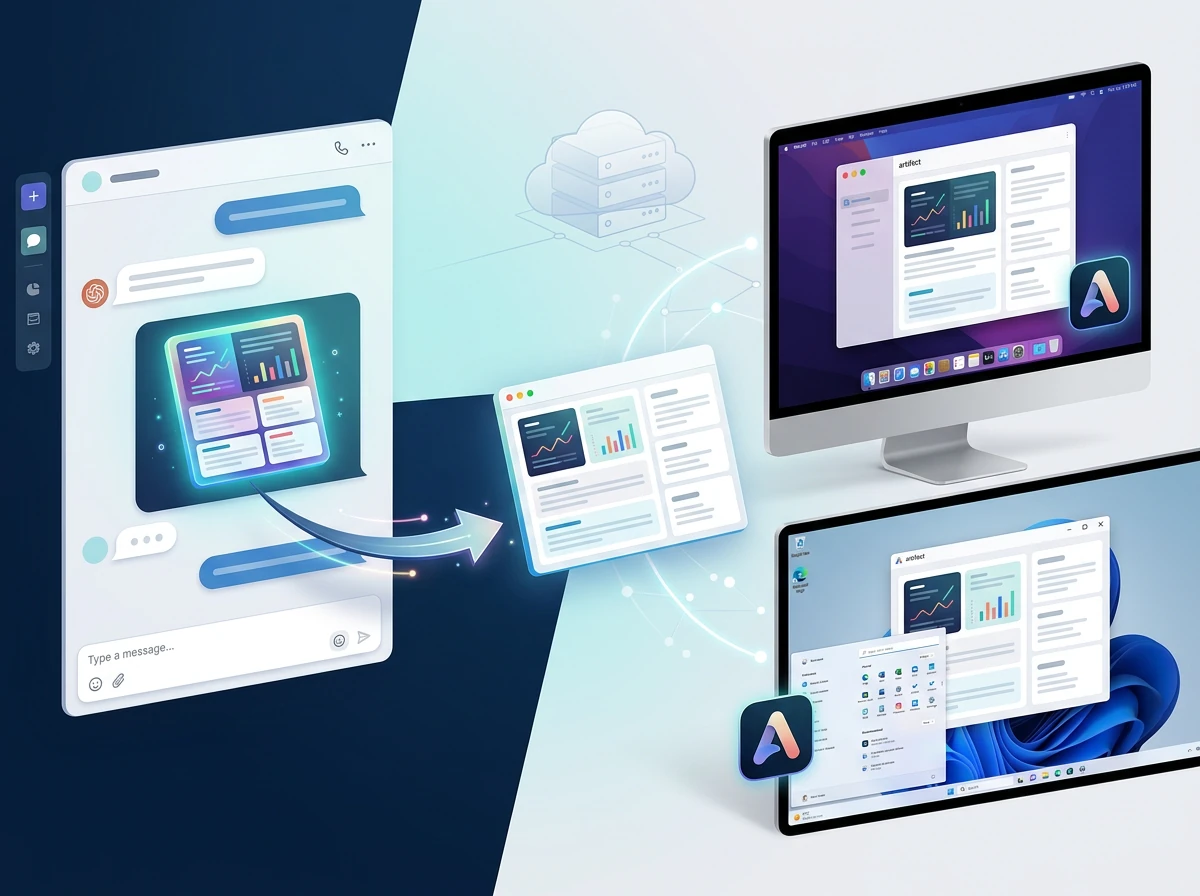
Claude Artifacts can now be installed as desktop apps on Mac and Windows, with their own icon, their own window, and access to Claude and connectors. The feature is called Install as app, and Anthropic is rolling it out as a beta across all Claude plans.
This lowers the barrier between an idea in a chat and a tool that actually lives on your desktop. You describe the app, try it as an artifact, and install it. There is no need to package or sign the software, manage a separate login, or supply an API key.
There is one important limit behind the word “app.” This is not a standalone executable that keeps working without Claude. It needs an internet connection and a signed-in Claude Desktop account, and its requests to Claude count against your plan’s usage limits. In return, it can gain desktop features that ordinary browser artifacts do not have, including notifications, global keyboard shortcuts, and optional access to files and programs on your computer.
What is new in Install as app?
Install as app turns a Claude artifact into an app you can open on Mac or Windows. According to Anthropic’s November 24, 2026 announcement, it gets its own icon and window, can be shared with other people, and updates automatically when the underlying artifact is edited. The beta is rolling out on Free, Pro, Max, Ultra, Team, and Enterprise.
The workflow is deliberately simple: ask Claude to create an artifact, test whether it does what you need, and choose Install as app from the Share menu. On macOS, the app is placed in a dedicated Claude Apps folder inside the user’s Applications folder. On Windows, it can appear in the Start menu or as a desktop shortcut. TestingCatalog reports that Claude Desktop version 6.28899.0 or later is required.
Anthropic lists a layered image editor, a file manager, a terminal, and a system monitor among its examples. That says a lot about the ambition. Artifacts began primarily as documents, visualizations, and small interactive pages inside Claude. Anthropic is now trying to turn them into tools you return to like any other software.
How close are Claude Artifacts to ordinary desktop apps?
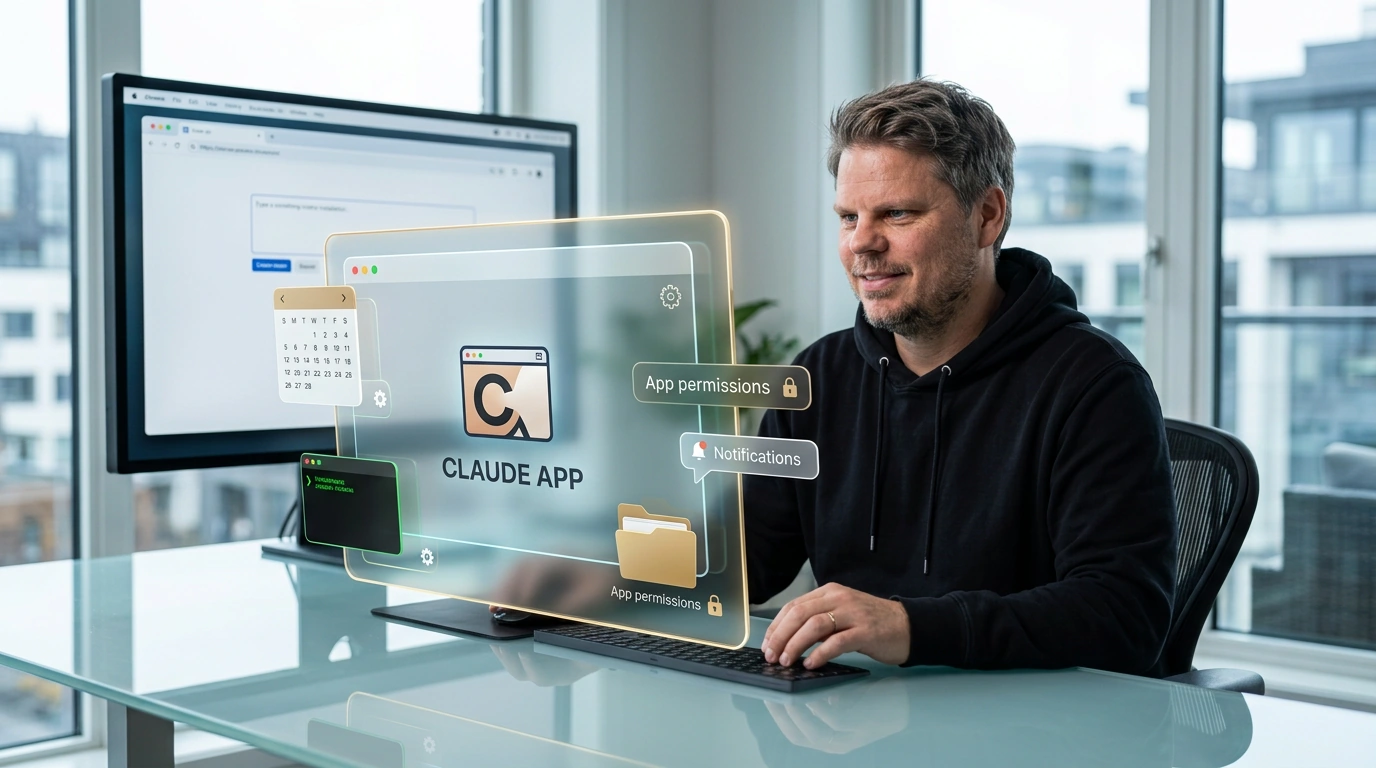
To the person using it, an installed Claude app can look and behave much like an ordinary program. It has its own icon, opens in a separate window, and can add an item to the menu bar on Mac or the system tray on Windows. With permission, it can also display notifications, respond to global keyboard shortcuts, and stay above other windows.
Under the hood, the distinction is clearer. The app uses your Claude account, and model requests count against the usage limits of your plan. You do not need a separate API key or another login, but you must be online and signed in to Claude Desktop to open it. Linux, browsers, and mobile devices are not supported at launch.
It is therefore more accurate to think of this as an installed doorway into a living artifact than as a traditional standalone application. The advantage is that changes to the artifact flow into the installed app automatically. The tradeoff is that the tool remains tied to Claude, your plan’s limits, and Anthropic’s infrastructure.
That does not make the feature less useful. For many internal tools, distribution, authentication, API setup, and maintenance take more work than the solution itself. Anthropic removes much of that friction. A prototype can gain a permanent place on the desktop without first going through a conventional software release process.
What can the apps connect to?
Installed artifacts can use Claude and the connectors linked to each user’s account. A meeting-preparation app could work with a calendar and email, for example, while an internal operations tool could read and update information in services the business already uses. Each user connects their own services and approves the tools requested by the app.
This is what makes Install as app more meaningful than a polished shortcut to a web page. An artifact can already store data and work with connected services. Desktop capabilities add another layer: the tool can notify you when something needs attention, listen for a keyboard shortcut, or remain readily available from the menu bar.
The model is especially well suited to small, specialized tools: an order tracker, a simple customer dashboard, a meeting brief, or a folder assistant built around one particular workflow. These jobs are often too narrow to justify buying or developing an entire software-as-a-service product. Installable artifacts make that kind of custom software much easier to distribute and maintain inside the Claude ecosystem.
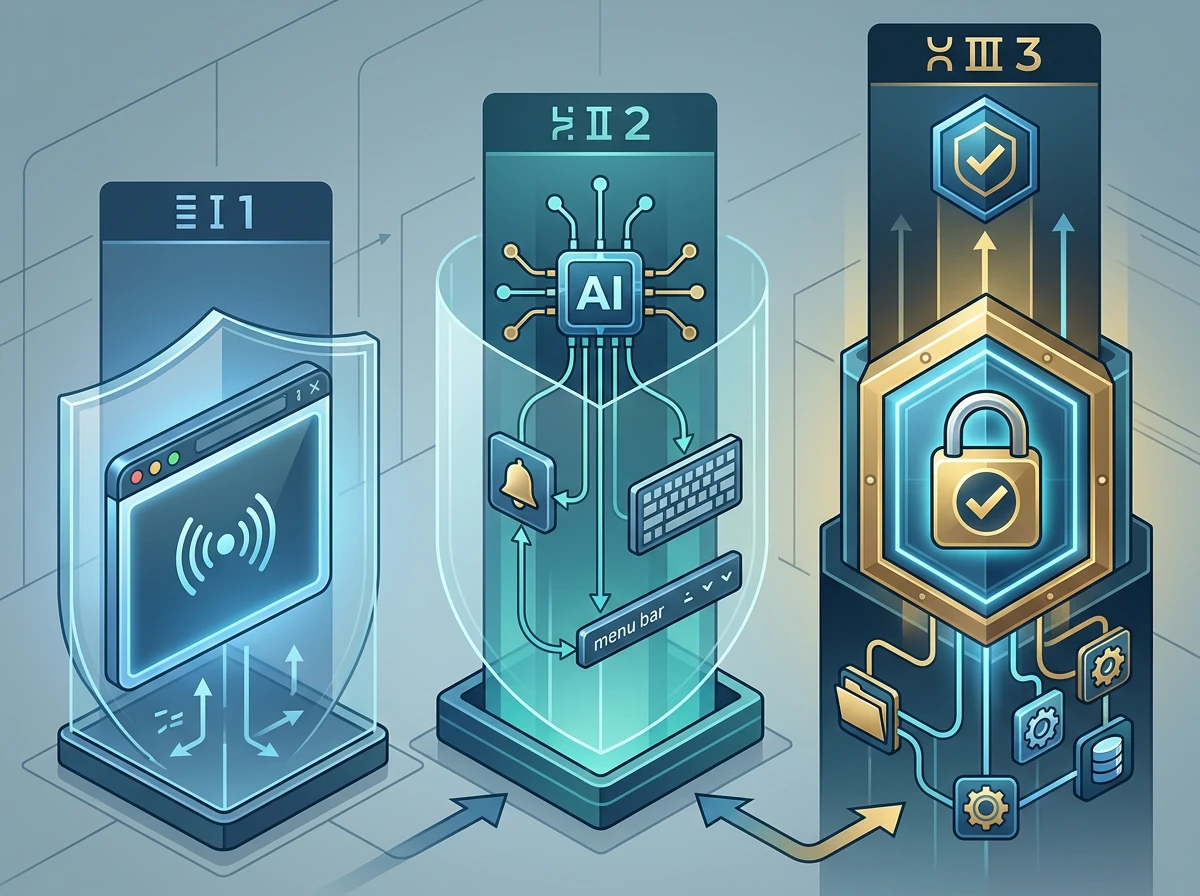
Three permission levels determine what an app can do
Anthropic divides access into three levels. Default access limits an installed app to what it could do in a browser. App permissions add controlled desktop features such as notifications, global keyboard shortcuts, always-on-top windows, and an item in the menu bar or system tray. Full computer access can let an app run programs and read, change, or delete files without asking every time.
That final level is powerful enough that you should stop before clicking Allow. Anthropic does not review apps before installation. Full access is limited to apps you made yourself or, on Team and Enterprise, apps made by someone in your organization. That is a sensible boundary, but it is not a guarantee that an app will behave exactly as you expect.
A permission grant applies only to the current version. When the artifact is updated, even after your own edit, Claude asks you to approve access again. Good. Anthropic also points to an important exception: content loaded from an external website can change without another approval request. An app with broad system access and changing external content deserves the same caution as any other software that can read or alter your files.
What does this mean for Team and Enterprise?
Businesses get separate controls for installation, app permissions, and full computer access. On Team, Install as app and ordinary app permissions are enabled by default, while full access is disabled. On Enterprise, all three are disabled until an owner enables them. When organization settings and device management disagree, the stricter setting wins.
Anthropic’s administrator guide also documents mobile device management keys for Mac and Windows. Administrators can disable installed apps, app permissions, or full access across every account on a computer. A change to the organization settings can take up to about one hour to apply.
HIPAA-ready organizations and hybrid deployments cannot use the feature. Organizations with customer-managed encryption keys or organization-wide zero data retention start with all three controls disabled. Claude Docs, Slides, and Sheets cannot be installed as apps either, and the same limitation applies to some older artifacts.
This is not merely a playful “make your own app” button. Inside a business, it quickly becomes a new distribution channel for internal software. Someone still needs to know who created each app, which connectors it uses, what system access it requests, and what changes when the underlying artifact is updated.
Why this is a meaningful milestone for AI-made software
AI has been able to generate code and small apps for a long time. The bottleneck often comes afterward: packaging, signing, authentication, API keys, distribution, updates, and support. Install as app removes several of those steps at once for tools that can live inside the Claude ecosystem.
That can make custom software far more ordinary. An employee who understands a workflow but has no background in traditional app development can describe a small tool, test it in Claude, and install it. A developer can use the same route to put an internal prototype in front of colleagues quickly. Both can avoid building an entire delivery system before they know whether the app is genuinely useful.
Lower distribution friction is not the same as finished software quality. This is a beta, not a quality seal. An app that can alter files or work with business systems still needs testing, clear boundaries, and a plan for failure. Automatic updates make maintenance easier, but they also make permission review part of the operating routine.
My practical assessment is simple: use default access as far as it will take you, enable only the capabilities the app actually needs, and never grant full computer access merely because an app looks polished or useful. Installable artifacts could become an extremely effective way to build small work tools. That is precisely why the permissions deserve serious attention.
Claude Artifacts have moved out of the side panel and onto the desktop. This is not the end of traditional app development, and it is not yet a fully independent application platform. It is still a clear milestone: the path from a conversation to a tool you can open every day has become substantially shorter.
Frequently asked questions
Can Claude Artifacts be installed on Linux?
No. At launch, Install as app is available only in Claude Desktop for Mac and Windows. Installed apps cannot be opened on the web or on mobile devices, and they require an internet connection plus a signed-in Claude Desktop account.
Do installed Claude apps need an API key?
No. The app uses your Claude account, so it does not need a separate API key or another login. Requests the app sends to Claude still count against the usage limits included with your Claude plan.
Can an installed Claude app read or delete files?
Yes, but only if the app requests full computer access and you approve it. That level can let the app run programs and read, change, or delete files without asking each time. Grant it only to apps you trust.
Does an installed app update when its artifact changes?
Yes. The installed app updates automatically when the underlying artifact changes. Permissions cover only the current version, so Claude asks you to approve access again after an update, including an update caused by your own edit.