
Innhold Show
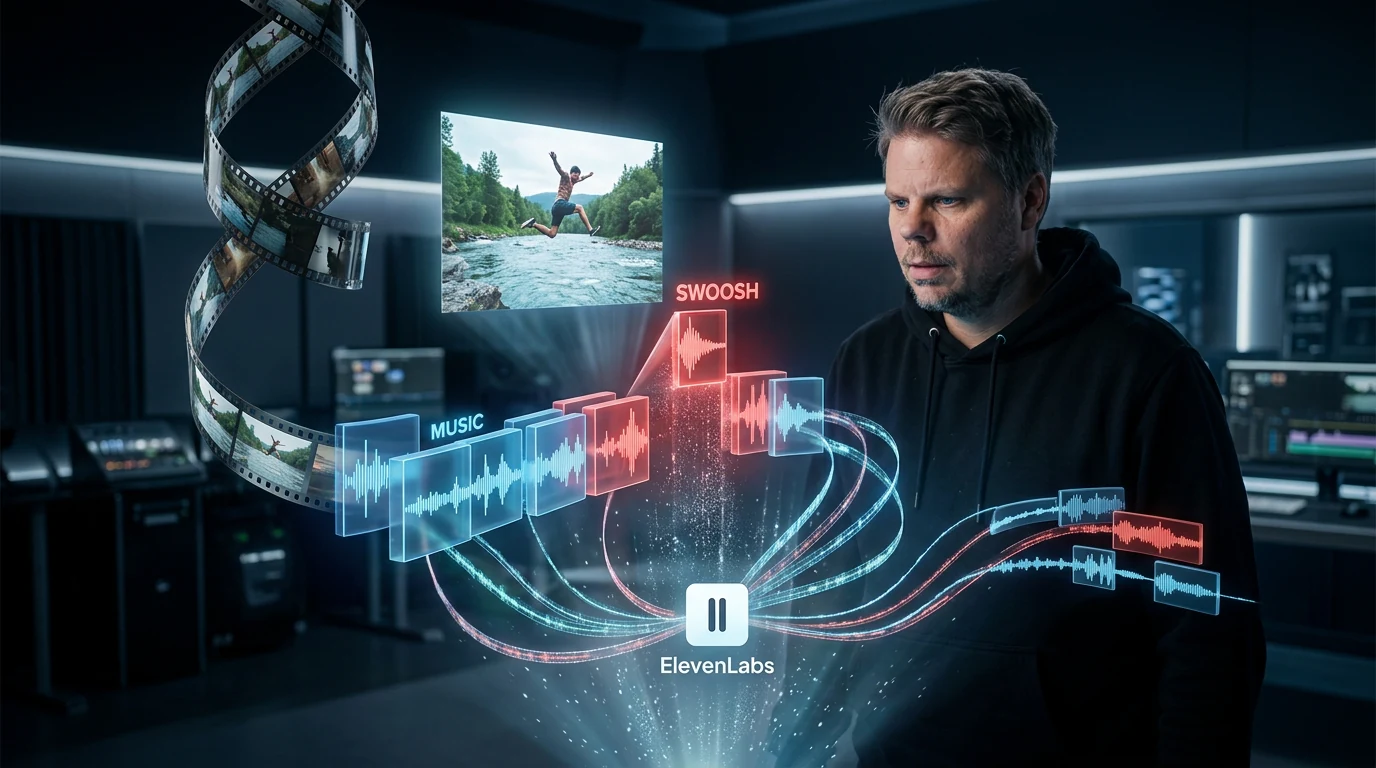
If you make short videos, ads or AI video, ElevenLabs Instant Soundtracks can now create background music and synchronized sound effects from the video itself. You upload a clip, the model analyzes its scenes and places audio on the timeline where it thinks it belongs.
I understand the appeal of that workflow immediately. Music, transitions and the small sounds that bring a clip to life can take longer than the video itself. ElevenLabs is trying to pull that work into one generation while still letting you move effects, replace the music and export the tracks separately.
The feature launched on October 15, 2026 and is available through ElevenCreative, ElevenMusic and an API. It looks particularly useful for people who produce a lot of short-form video, but this is no magic wand. The AI creates a first draft of the soundtrack. Your ears still have to make the final decision.
What does ElevenLabs Instant Soundtracks do?
Instant Soundtracks analyzes an uploaded video, composes original music to match its mood and identifies moments where a sound effect may fit. According to ElevenLabs’ launch announcement, the effects are placed automatically at the relevant timestamps. One example is a whoosh timed to a logo appearing at the end of an ad.
This is not simply a matter of generating two audio files at once. The model tries to understand the rhythm of the footage. In a fast scene, the music may move toward EDM or R&B before shifting to acoustic guitar as the picture calms down. ElevenLabs also says it has improved the timing for short videos with fast cuts, transitions and on-screen actions.
If the video already contains audio, the system can use it as a reference. It then analyzes elements including genre, tempo, instrumentation, musical highlights and the development of the track over time. The aim is to make the new music reflect the character of the original audio without forcing the user to describe everything in a long prompt.
You can still edit the result
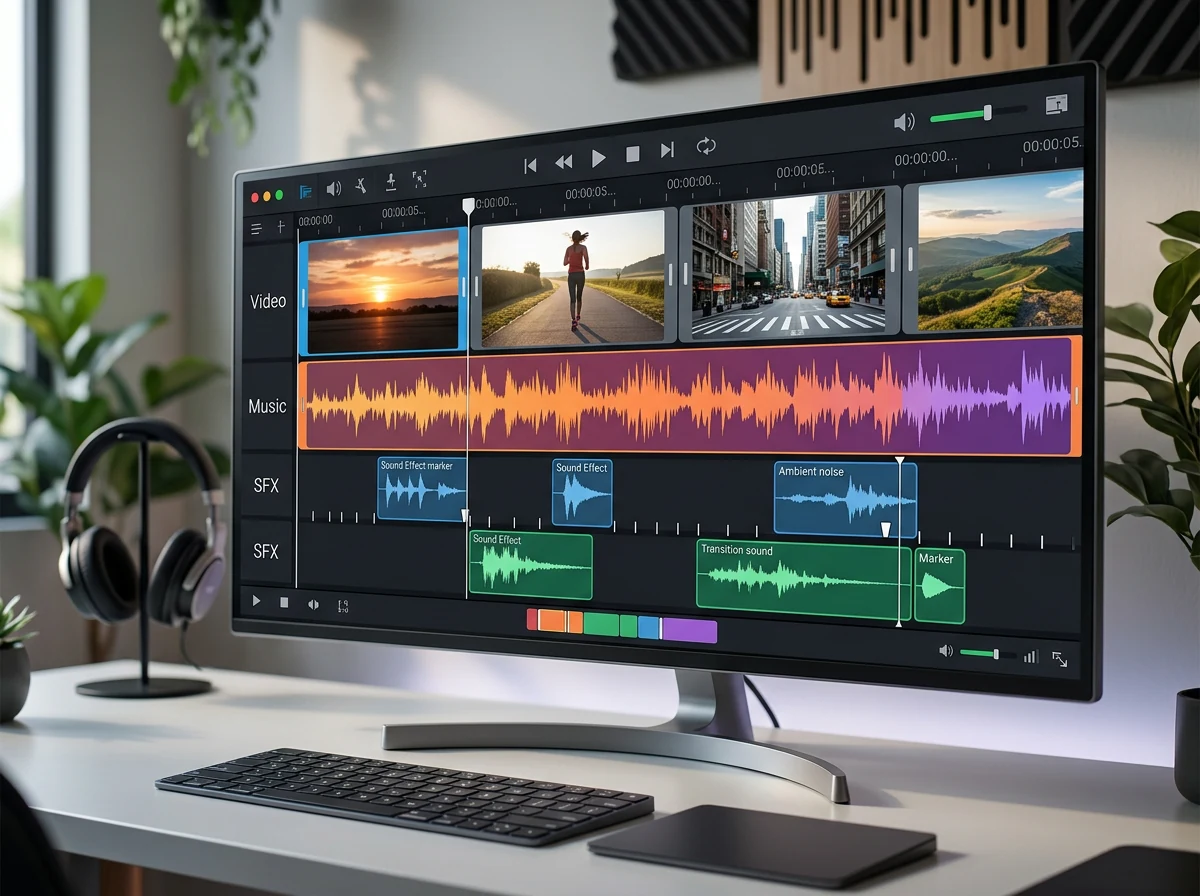
ElevenCreative displays the music and sound effects as separate layers in its Music Video Editor. That matters because automatic placement is only useful if you can correct it. You can listen to effects individually, add more, move their timing, replace the music and adjust specific moments before exporting the video.
This makes the tool more interesting than a button that bakes everything into one finished audio file. A door slam arriving a few frames late can be distracting. So can a dramatic transition sound over a quiet facial expression. Separate layers let you treat the AI generation as a fast starting point without handing over the entire edit.
ElevenLabs has already developed music and sound effects as separate products. ElevenLabs Music v2 can change genres within a track, while the company’s sound-effects tool generates short sounds from text. Instant Soundtracks connects those pieces to video content and a timeline instead of making you build the soundtrack one element at a time.
The API is the most exciting part for automation
The Video to Music API makes the same workflow available to apps and production pipelines. The official API documentation lists the endpoint as POST /v1/music/video-to-music. Videos are submitted as a list of files, and the service combines them in the order received.
Three parameters are central to the workflow. add_sfx=true tells the model to identify and generate sound effects from the video. separate_tracks=true returns a ZIP file containing music and effects as separate tracks. use_audio_as_reference=true lets existing audio influence genre, BPM, instrumentation, mood and musical development.
All three are set to false by default in the documentation, so a developer has to enable them deliberately. You can also submit a description of up to 4,100 characters and no more than 10 style tags, such as “upbeat” or “cinematic.” The model can be set to music_v1, music_v2 or music_v2_5, while the documentation still lists music_v1 as the default.
That is precise enough to put Instant Soundtracks into an automated video pipeline. A finished clip can be submitted after video generation, and the separate audio tracks can move on to mixing or an editor. For me, this is the most interesting part of the launch. A polished button in a browser is fine. A documented API that can handle the tedious middle step again and again is something else.
How much video can the API process?
The API accepts up to 10 videos in one request. Together, they can total no more than 200 MB and 600 seconds, or 10 minutes. ElevenLabs recommends merging clips in advance when possible because combining several video files can make a request considerably slower.
Those limits are generous for ads, reels, product videos and many short AI clips, but this is not a workflow for feeding an entire feature film into a single request. Ten videos do not mean 10 independent outputs either. The API combines the clips in sequence and generates audio against the resulting video.
You can choose the output format in the API. The standard response is an audio file, while separate_tracks=true returns a ZIP archive. MP3 at 192 kbps requires a Creator plan or higher, and 44.1 kHz PCM requires Pro or higher. That tells us which plan levels unlock those formats, but the launch material does not provide a separate per-generation price for Instant Soundtracks. I would check the current plan and credit consumption before putting it into a high-volume production pipeline.
This could eliminate a lot of small, repetitive work
The obvious audience is anyone who regularly makes ads and short-form video. A 15-second product clip may need a small musical build, a hit timed to a cut and two or three effects around text and a logo. None of those jobs is enormous on its own. Together, they still create a long chain of small decisions, searches through sound libraries and adjustments on the timeline.
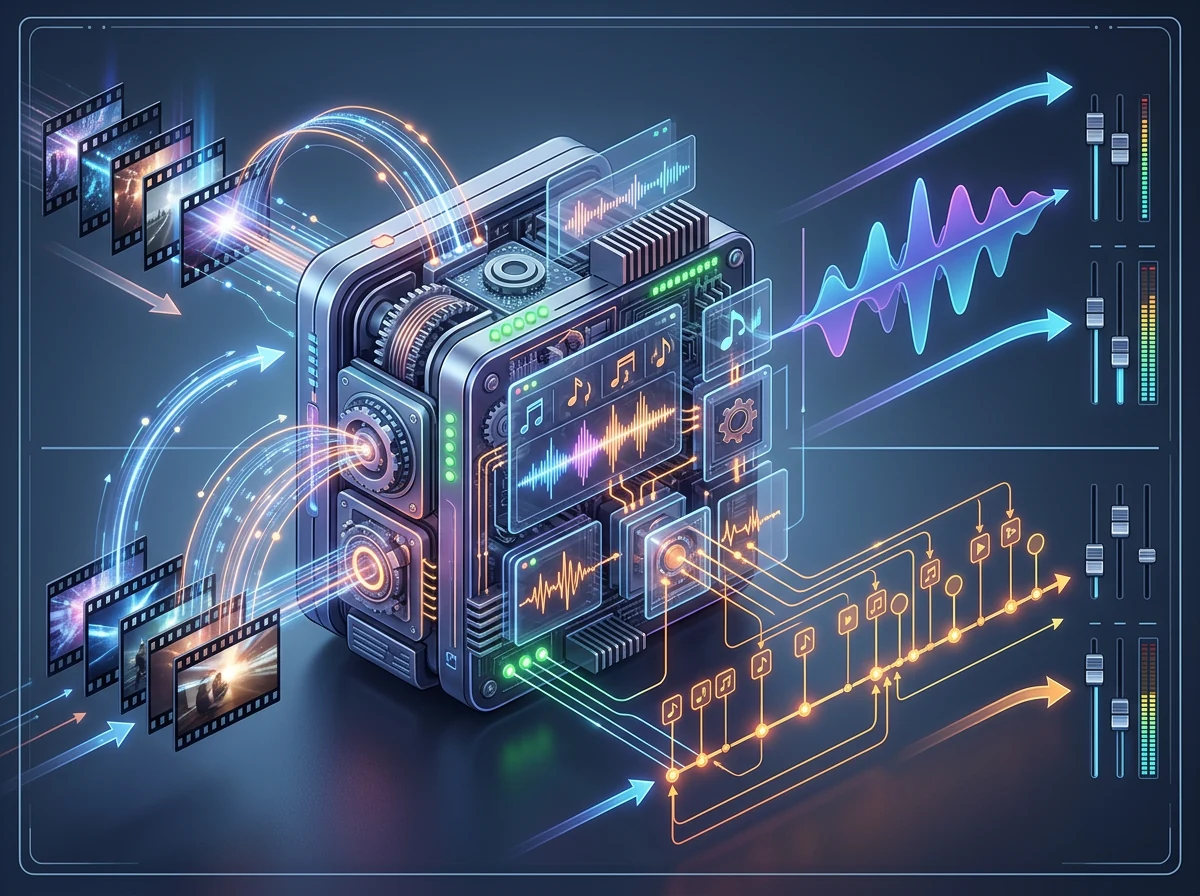
Instant Soundtracks can compress that work into a first draft. It is also relevant to AI video, where the visuals can be generated quickly while the sound still has to be built afterward. A video-to-audio endpoint fits naturally as the next stage in a pipeline that already moves footage from generation to editing and delivery.
Separate tracks also make the workflow less restrictive. You can keep the music and replace the sound effects, or carry the effects forward while someone else composes the music. That works for one person doing everything as well as a team where video, music and final mixing belong to different people. The AI output becomes material you can pass along, not a black box you must either accept or discard in full.
The value still depends on whether the model understands what genuinely deserves a sound. An effect for every visible object will become exhausting very quickly. Music that changes mood with every cut will make the audience seasick. Good sound work often depends on restraint, and you cannot judge that from a feature list.
What do we still not know?
I have not tested Instant Soundtracks myself, and the sources document its features – not how often the model gets musical taste or precise timing right in real projects. ElevenLabs placing a whoosh on a logo in a selected example does not tell us how the system handles ambiguous footage, many rapid actions or video that deliberately breaks conventional rhythm.
There is no reason to assume that automatic means finished. Listen through the effects, inspect the transitions and make sure the levels fit any speech and original audio. For commercial work, users should also read the terms for their plan. ElevenLabs describes Eleven Music as cleared for nearly all commercial uses, while also directing users to its separate music terms for the details.
I am not going to pretend the audio quality has been proven until people have run demanding material through the tool and listened to the complete result. What is documented is the workflow, the editing options, the API parameters and the limits.
ElevenLabs is building more of the audio workflow
ElevenLabs began as the name many people associated with AI voices. It now covers speech, music, sound effects, editing and more of the connections between those pieces. Instant Soundtracks is a clear example: the product does not merely make one kind of audio. It tries to understand the video and assemble several audio tasks at the right moments.
This is also a more practical launch than another model promising “better quality” without changing anyone’s working day. The value is concrete. Upload a video, receive a musical draft and placed effects, fix what does not work and export. The API allows the same stages to become part of a larger production system.
I like the direction. Not because the AI necessarily has better musical taste than you, but because it may complete the first, time-consuming audio pass faster. Use the separate tracks, listen critically and keep control of the final mix. If the timing holds up outside the company’s own demos, Instant Soundtracks could become a very useful step for anyone producing video at volume.
Frequently asked questions
Can ElevenLabs create music and sound effects from the same video?
Yes. Instant Soundtracks analyzes a video, composes original background music and generates sound effects at selected timestamps. In ElevenCreative, the effects remain editable layers. The API can also return the music and sound effects as separate files in a ZIP archive.
Where is ElevenLabs Instant Soundtracks available?
The feature is available in the Music Video Editor under the music tab in ElevenCreative, on the ElevenMusic platform and through the ElevenLabs Video to Music API. ElevenLabs said all three access points were available when it launched the feature on October 15, 2026.
Can existing audio guide the newly generated music?
Yes. With audio as a reference, the model can analyze qualities including genre, BPM, instrumentation, mood and musical development. API users must enable this behavior with use_audio_as_reference=true, because the parameter is disabled by default.
Is Instant Soundtracks ready to publish without editing?
That has not been demonstrated. The tool can create and place audio automatically, but you should still check timing, effect choices, levels and musical taste before publishing. ElevenCreative lets you move effects, replace music and revise individual moments instead of starting over.