
Innhold Show
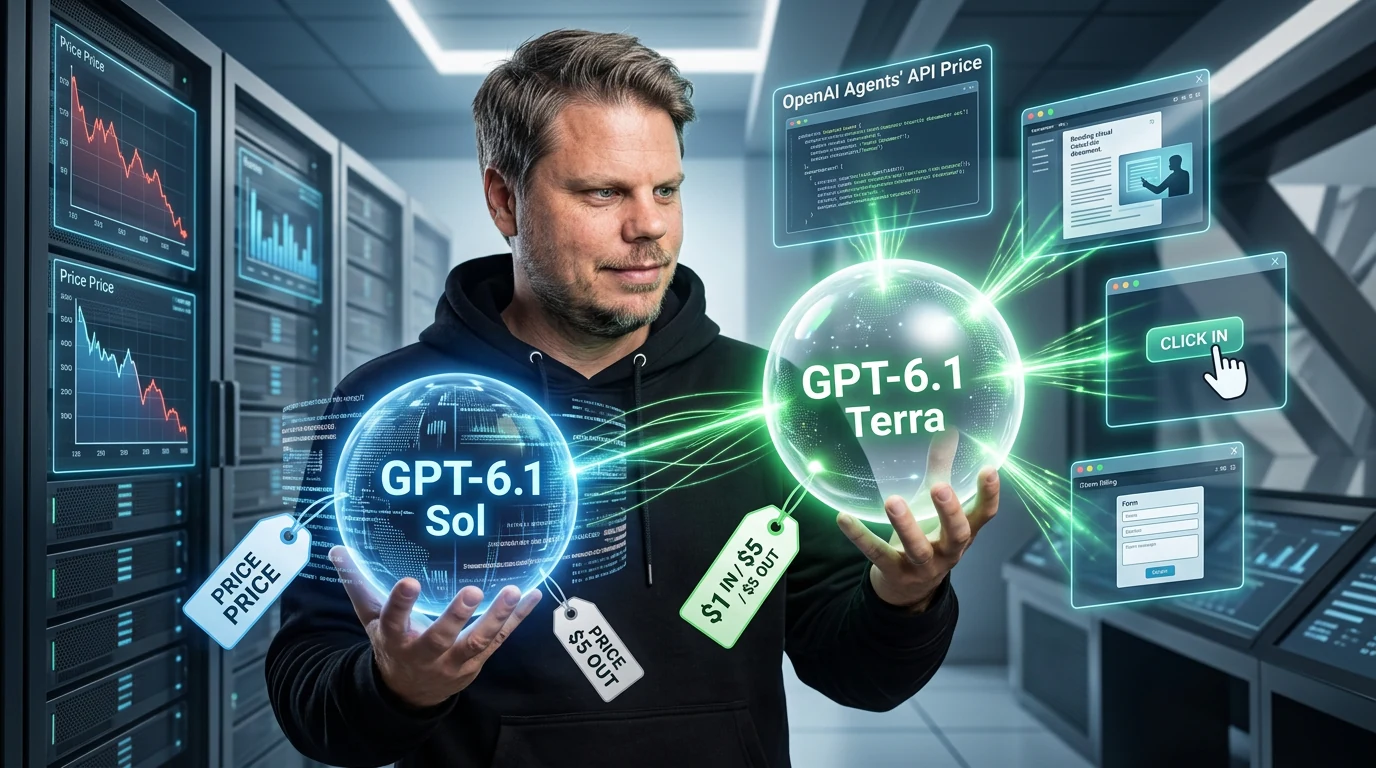
If you build AI agents that read screenshots, click through applications or process large volumes of visual documents, GPT-6.1 Terra can cut the model bill in half compared with GPT-6.1 Sol. OpenAI’s new model costs $1 per million input tokens and $5 per million output tokens.
I like this launch. Not because another model name makes anyone’s life easier, but because OpenAI has given Terra a clear job: fast, bounded tasks involving visual understanding, computer use and tools. This is not Astra squeezed into a cheaper box. It is a workhorse model built for volume.
Half the token price does not automatically mean half the cost of a completed job. If Terra needs more attempts or more human cleanup than Sol, the saving disappears quickly. Cost per approved result matters far more than the price on the model card.
What is GPT-6.1 Terra built for?
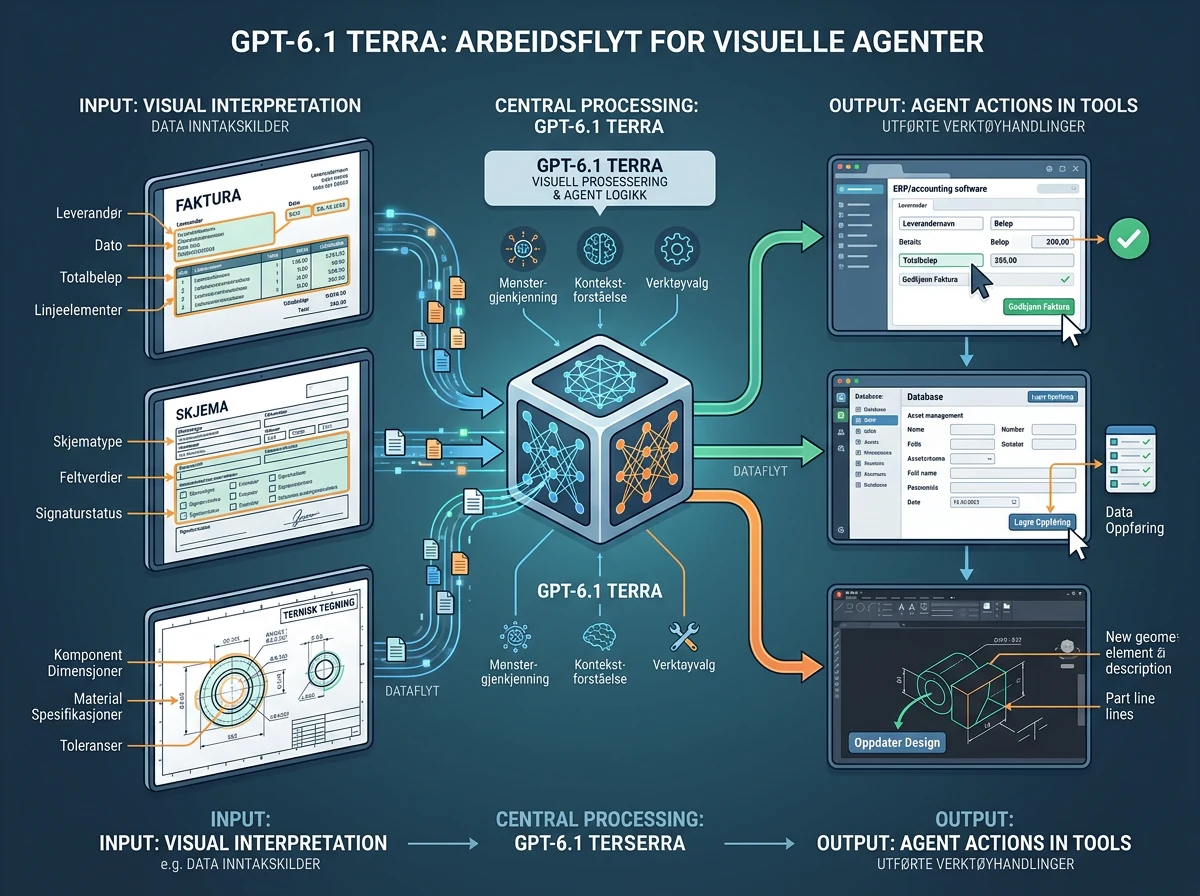
GPT-6.1 Terra is designed to understand visual content and take precise actions in software without the cost of OpenAI’s heaviest models. In its October 26, 2026 launch announcement, OpenAI highlights work such as processing invoices and forms, interpreting technical drawings and editing video.
That means Terra competes primarily on how much useful work it can move through a system. An agent that reads an invoice, finds the correct field in an accounting application and enters the amount does not necessarily need the deepest reasoning OpenAI can offer. It needs to see correctly, follow instructions and act quickly enough for the automation to make sense.
The model accepts text and images, has a 1.05-million-token context window and can produce up to 128,000 output tokens. OpenAI’s model documentation lists support for function calling, structured outputs, web search, file search, hosted shell, computer use, MCP and skills. Tool calls must run through the Responses API.
How much cheaper is Terra than Sol and Astra?
Standard GPT-6.1 Terra pricing is $1 per million input tokens, $0.05 per million cached input tokens and $5 per million output tokens. Those are OpenAI’s international API rates, so there is no currency conversion hiding the comparison.
GPT-6.1 Sol costs $2 for input and $10 for output per million tokens. Terra therefore halves both prices. Against GPT-6 Astra at $10 for input and $50 for output, Terra’s standard token price is one tenth as high. The arithmetic is easy. The real difference appears only when the model completes the job properly.
For a hypothetical run using 100,000 input tokens and 20,000 output tokens, the model cost is $0.20 with Terra, $0.40 with Sol and $2 with Astra. Run that job 10,000 times and Terra saves $2,000 compared with Sol. At that point, model selection is an operations decision, not model trivia.
There are important footnotes. Prompts above 272,000 input tokens are charged at twice the input and cache rates, while output costs 1.5 times the standard rate for the entire request. Batch and Flex cost half the standard rate, Fast mode doubles it, and regional processing adds 10 percent where available. Compare the service tier and context length you will actually use.
What does OpenAI’s agent benchmark tell us?
GPT-6.1 Terra scored 57.6 percent on OpenAI’s Agents’ Last Exam at medium reasoning. That is exactly the same reported score as GPT-6 Astra, but OpenAI estimated a cost of $0.29 per task for Terra versus $4.82 for Astra. Terra also completed the tasks more than three times faster than both Astra and GPT-6.1 Sol in OpenAI’s measurement.
The benchmark covers professional work in software, including turning a technical drawing into a 3D model and reviewing footage to produce a time-coded log. That is more relevant to agent work than a quiz made of isolated questions and answers. It is still a controlled test selected and published by OpenAI.
So 57.6 percent is not a promise that Terra can take over your workflow. It also means that a substantial share of the tasks was not completed successfully. I would treat the result as a strong signal about price and capability, not as permission to remove checkpoints, logs and verification.
The practical split between the models follows the same logic. Terra looks genuinely promising for repeatable, bounded tasks where failures can be detected. Sol and Astra remain the more natural choices when the work requires deep analysis, long planning or complicated code. OpenAI itself says Sol and Astra are better suited to the most complex coding tasks.
Visual understanding is the part that matters
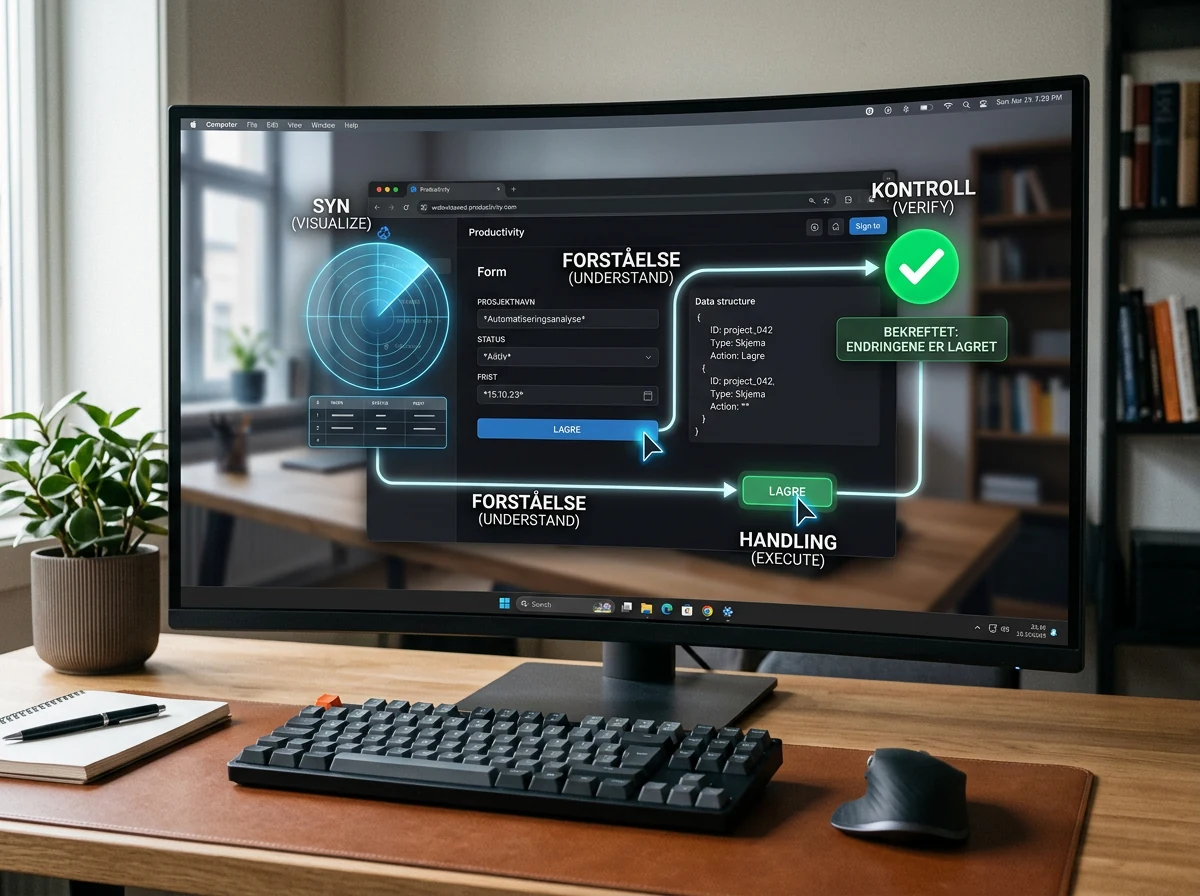
Computer use is more than moving a pointer toward a button. The model must understand what it sees, distinguish content from interface elements and notice that the screen changed after an action. Terra is built around that loop, and OpenAI emphasizes both MMMU-Pro for visual reasoning and OSWorld 2.1 for multistep work in ordinary desktop applications.
OSWorld 2.1 includes tasks such as using desktop software to build a 3D model from a technical drawing. At medium reasoning, GPT-6.1 Terra beat GPT-5.6 Terra’s best score while costing less per task. OpenAI also reports that the new model beats GPT-5.6 Terra at every reasoning level on MMMU-Pro.
This opens the door to more grounded automation than the endless demos of an agent booking a restaurant. Think of incoming documents that must be interpreted and entered, products checked against catalog images, work performed in older systems without a decent API, or visual output that needs quality control. A great deal of office work still lives behind buttons and forms. A cheaper model that understands the screen can be more valuable than an expensive one that writes a magnificent explanation of it.
Terra improves factuality and coding – but it is not the best
OpenAI says the error rate on its internal test of difficult, error-inducing questions fell from 53.6 percent with GPT-5.6 Terra to 16.7 percent with GPT-6.1 Terra at low reasoning. At maximum reasoning, the rate fell to 4.3 percent. That is a large improvement, but it is an internal test, not a universal warranty against hallucinations.
On Terminal-Bench 4.0, Terra solved 50.3 percent of tasks at maximum reasoning, up from 21.5 percent for GPT-5.6 Terra. It could therefore be a sensible choice for bounded coding fixes and terminal work, especially when the task has clear tests that show whether the solution works.
But half solved still means half not solved. For large codebases, ambiguous bugs and work that requires the model to maintain a complicated plan over time, Sol or Astra are better candidates. Cheap becomes expensive rather quickly when a human has to clean up after an agent that declared victory too early.
Who can access GPT-6.1 Terra?
GPT-6.1 Terra is available through the OpenAI API under the model name gpt-6.1-terra. OpenAI has also rolled it out in ChatGPT Work and Codex for Plus, Pro, Enterprise and Edu users. In those products, the same usage allowance is supposed to cover more tasks than it does with GPT-5.6 Terra, GPT-6.1 Sol or GPT-6 Astra.
The API model supports the reasoning levels none, low, medium, high, xhigh and max, with medium as the default. It is worth comparing several levels. Maximum reasoning may improve the result, but it uses more tokens and takes more time. The cheapest run is the one that is strong enough to finish without unnecessary detours.
If you already run agent workflows on OpenAI, Terra is straightforward to place beside Sol as another candidate. Keep the task, tools, checkpoints and evaluation identical when you compare them. Otherwise you end up testing the whole system again and giving the model credit or blame for differences that came from somewhere else.
How I would evaluate Terra in a real workflow
Start with a bounded task whose cost and failure modes you already understand. Run the same dataset several times with Terra and Sol, then measure completion rate, elapsed time, token use, human intervention and errors that escape your controls. Do not pick a winner based on the prettiest single demo.
Pay particular attention to cost per approved result. If Terra costs half as much per token but needs twice as many attempts, you have saved nothing. If it delivers the same approved result faster and at a lower total cost, then you have a real gain that can survive being scaled.
The agent should also stop when it is uncertain, request approval before irreversible actions and verify that its work was actually saved. OpenAI reports that Terra showed strong resistance to prompt injection, but websites, documents and inboxes remain external inputs. A cheaper agent does not need a cheaper safety net.
GPT-6.1 Sol recently moved much of Astra’s capability down the price ladder. Terra takes the next step for work that does not need all of Sol. This is the right direction: not one giant model for everything, but models with clear roles and prices that make agent work viable at volume.
I would not put Terra alone behind the wheel because of a chart from OpenAI. But as a fast workhorse behind solid tests, clear boundaries and result verification, it is genuinely exciting. Half the price of Sol is good. The same measured result as Astra at a fraction of the cost is much more interesting.
Frequently asked questions
What does GPT-6.1 Terra cost in the API?
Standard pricing is $1 per million input tokens, $0.05 per million cached input tokens and $5 per million output tokens. Longer prompts and optional processing tiers can change the effective rate, so check the context length and service tier in your actual workload.
Is GPT-6.1 Terra cheaper than GPT-6.1 Sol?
Yes. Terra costs half as much as Sol at standard API rates: $1 versus $2 per million input tokens and $5 versus $10 per million output tokens. The real saving still depends on how many attempts and human interventions the job requires.
Can GPT-6.1 Terra control software on a screen?
Yes. Terra supports computer use through the Responses API and is designed to interpret images and take actions in applications. Require approval before irreversible actions and verify that every result was completed and saved correctly.
Should I choose Terra, Sol or Astra for an AI agent?
Choose Terra for fast, bounded and visual workflows with clear checks. Sol or Astra are better candidates for deep analysis, complex coding and long planning. Compare them on the same task and judge them by cost per approved result, not token price alone.