Innhold Show
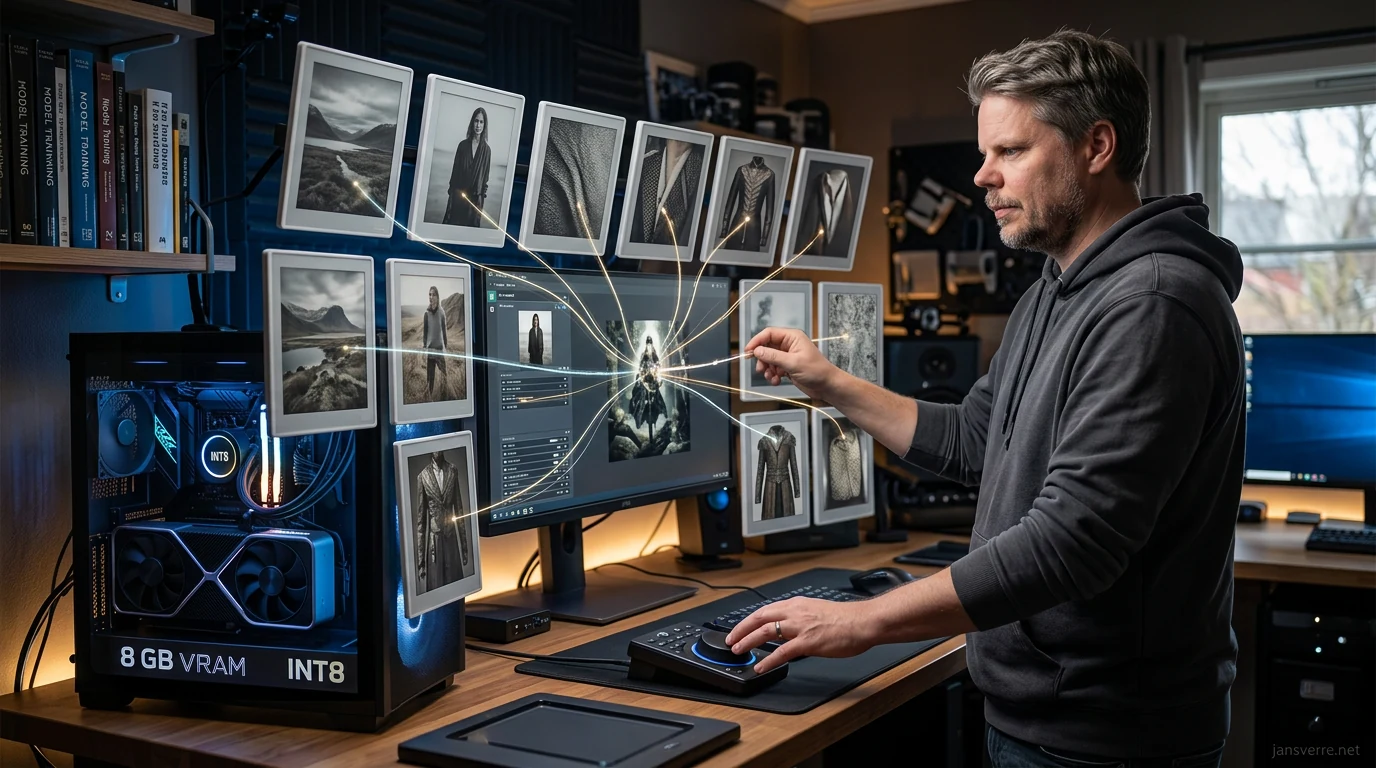
FLUX 3 Image Klein is a local image model that combines image generation, editing and composition with up to 10 reference images – and its optimized INT8 build can run on a graphics card with 8 GB of VRAM. That combination makes this release far more practical than another enormous model that looks lovely in a table but needs a small data center at home.
Black Forest Labs released the model on October 15, 2026 with open weights, a ready-to-use distilled version for generation and a Base version for LoRA training and further development. The image transformer itself has 5.6 billion parameters. A separate Qwen3-VL-4B-Instruct model serves as the text encoder, so 5.6 billion parameters is not the entire stack you may need to load.
I have not tested FLUX 3 Image Klein myself. That matters because my hands-on experience with FLUX 2 was that its results were not usable for me, even though the specifications looked good. I am curious this time, but I am not handing out a trophy on the strength of Black Forest Labs’ own comparisons.
What is FLUX 3 Image Klein?
FLUX 3 Image Klein is a 5.6-billion-parameter image model for text-to-image generation, editing and composition with up to 10 reference images. Black Forest Labs launched it on October 15, 2026 as the second open-weight model in the FLUX 3 family.
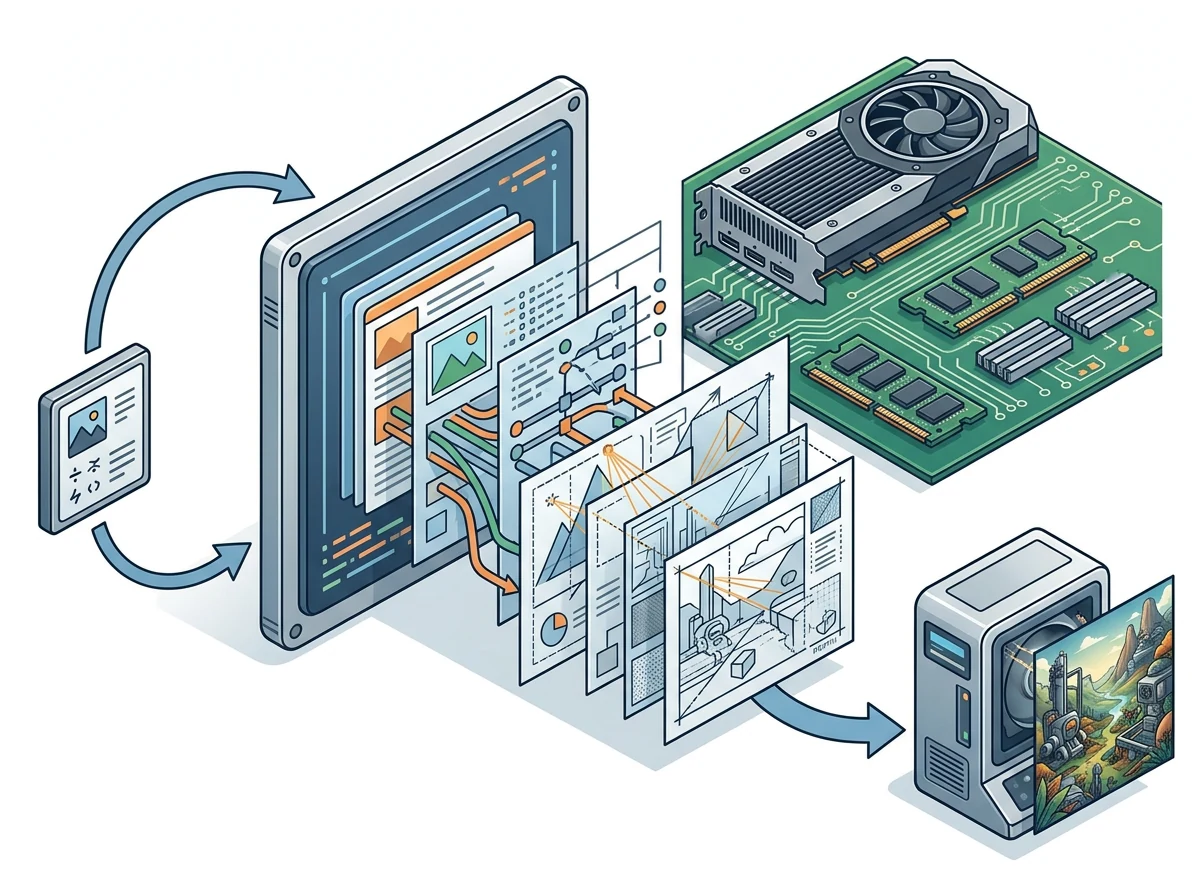
The practical point is that all three jobs run through the same model. You do not need to switch between one model for creating an image, another for editing it and a third for combining elements from multiple references. A single request can contain one instruction and up to 10 images, with the model returning one finished image.
The distilled model uses 16 steps without conventional guidance. BFL also released FLUX 3 Image Klein Base, which uses 50 steps and is intended for fine-tuning, LoRA training and research. If you simply want to generate or edit images locally, the distilled version is the natural starting point. If you want to train a LoRA, you need the Base version.
The phrase “open weights” should be taken literally. This is not an Apache 2.0 model or one released under another standard free-software license. The weights are available, but BFL’s own FLUX Kommunity License governs their use. That gives you more control than a closed API service, but it is not permission to do absolutely anything.

Why do 10 reference images matter?
Support for up to 10 reference images makes FLUX 3 Image Klein most interesting as a working model, not merely a machine for producing random one-off pictures. The references can be combined in one composition while the same model also handles straightforward edits and ordinary text-to-image generation.
This opens the door to workflows where one image supplies the setting, another the clothes, a third a product and several others the composition or visual details. The references do not lock the image layout, however. The model card explicitly says they anchor the content while the complete scene description still controls the composition.
The model also supports bounding boxes on a grid from 0 to 1,000. You can use them to indicate where an element should be placed, moved, replaced or removed. The boxes guide placement and size rather than acting as hard masks. Elements can extend beyond a box, small objects can disappear, and an edit can affect more than the area you selected.
In other words, this offers more control than a normal prompt, but it is not Photoshop with surgical precision. For local workflows, it is still a useful middle ground: you can describe both the subject and where its parts should go without building a separate control pipeline for every task.
Can it really run with 8 GB of VRAM?
Yes, but the 8 GB figure applies to the optimized INT8 version through ComfyUI or Diffusers. BFL says it can run on Nvidia GeForce RTX cards with 8 GB of VRAM. That does not mean every variant, every application and the entire reference setup fit inside 8 GB.
The generator weights are listed at 11.2 GB in BF16 and 5.6 GB in FP8. In the official Hugging Face model card, BFL also reports peak memory use of 31 GB for BF16, 26 GB for FP8 and 25 GB for NVFP4 with its reference code on a B200 at 1,024 by 1,024 pixels. Weight size alone does not tell you how much memory the complete run needs.
The prompt upsampler is the big catch. The reference tool can load a separate 18.8 GB model that turns a short instruction into a full scene description. BFL says this adds about 28 GB of memory use on a GPU with 80 GB. On a smaller card, you therefore need a different workflow, must offload parts to system memory or have the expanded prompt produced separately.
The speed figures are more encouraging. BFL and Nvidia report about four seconds for a one-megapixel image on an RTX 5090 and under nine seconds on an RTX 4070, both using the distilled INT8 model in ComfyUI. These are vendor measurements with the fastest version chosen for each card, not a promise of identical speed in your setup.
The short prompt is a trap
FLUX 3 Image Klein is designed for complete scene descriptions. BFL directly warns against sending a short prompt without expanding it first because that produces generic results. This applies to new images and edits alike.
The reference code loads BFL’s own prompt upsampler by default. Diffusers does not do this automatically. There, you must run the upsampler separately or have another language model perform the job with BFL’s system prompt. For an edit, the language model should receive both the instruction and the same reference images used by the image pipeline.
This detail can easily ruin a first test unfairly. If you enter only “make the jacket blue,” the model may recompose the image instead of making the small change you expected. It wants a complete description of the scene with the change woven into it. Any comparison with another image editor must therefore use the correct prompt workflow for both models, or you end up comparing the setups more than the models.
That makes FLUX 3 Image Klein less straightforward than “download it and type one line.” The arrangement is also flexible, though. You are not locked to BFL’s prompt upsampler. Another language model can create the scene description as long as it receives the correct instruction and returns the format the image pipeline expects.
How good is FLUX 3 Image Klein?
I do not know yet. Black Forest Labs says the model won the company’s blind comparisons for text-to-image generation, editing and composition with multiple references. It reportedly beat larger models including Qwen-Image 2.1 and Krea 2, while improving by 91 Elo in image generation and 70 Elo in editing compared with FLUX.2 Klein 9B.
Those are relevant figures, but they come from the company launching the model. BFL also says competing API models were timed from the client while FLUX 3 Image Klein was measured on the company’s own servers. The comparison therefore includes different network and queue conditions. Useful as an initial signal, poor as a final verdict.
The model card is refreshingly open about the limitations. The model can miss the prompt, small elements inside bounding boxes can be omitted, and edits can change content outside the area you intended to touch. Quality is also strongly affected by how the prompt is constructed. That is precisely why a proper hands-on test matters more than the prettiest launch chart.
My preliminary verdict is simple: the size, hardware requirement and 10-reference workflow make FLUX 3 Image Klein highly relevant. Whether it is actually good enough to replace the best local tools available today remains unanswered.
What does the model cost, and what does the license allow?
You can download the weights from Hugging Face after accepting the terms and sharing your contact details. For API use, pricing starts at $0.009 per image at 1K resolution. The API price includes prompt upsampling and a feature intended to preserve unedited regions exactly.
The FLUX Kommunity License permits research and non-commercial use. Individuals and companies with less than $5 million in annual revenue may also use the model in production and use its outputs commercially, provided they comply with the license terms. Larger organizations need a separate commercial agreement or must use the API.
For commercial use, the license requires measures including filtering or reviewing outputs for illegal and infringing content. It also restricts using the model to train competing models. This is an accessible model with a fairly generous arrangement for smaller operators, but “open weights” does not mean the terms can be ignored.
If you want to try it locally, I would start with the distilled INT8 version in a supported ComfyUI or Diffusers pipeline, use the correct prompt-expansion workflow and test the same tasks against whichever model already works best for you. Measure memory use, speed and the amount of cleanup each image needs. Do not let one lucky generation or one ugly hand decide the entire test.
A small model with one big unanswered test
FLUX 3 Image Klein gets a lot right on paper. It is considerably smaller than several competitors, combines three modes of work in one model, accepts 10 reference images and comes in versions that open the door to ordinary graphics cards.
That is enough to make the model worth watching. But after my experience with FLUX 2, I am not going to confuse a polished launch with a good working tool. What matters is whether edits stay precise, whether the references genuinely cooperate and whether the lower memory use still produces images you would want to keep.
If FLUX 3 Image Klein delivers on those points, 5.6 billion parameters and 8 GB of VRAM are genuinely good news for local AI. If it does not, we have another fast model that is fun to install and easy to replace. The numbers have opened the door. The results must decide whether the model stays.
Frequently asked questions
Does FLUX 3 Image Klein work in ComfyUI?
Yes. Black Forest Labs lists ComfyUI support at launch, and the company says the optimized INT8 version can run on Nvidia GeForce RTX cards with 8 GB of VRAM. Other variants and workflows can require much more memory.
What is the difference between FLUX 3 Image Klein and Base?
The distilled model uses 16 steps and is intended for image generation and editing. The Base version uses 50 steps and serves as the starting point for fine-tuning, LoRA training and research.
Can I use FLUX 3 Image Klein commercially?
Yes, individuals and companies with less than $5 million in annual revenue can use outputs commercially under the FLUX Kommunity License. Larger organizations need a separate license or API access, and the terms also impose content-control requirements.
Do I have to use BFL’s prompt upsampler?
You need a complete scene description, but it does not have to come from BFL’s own prompt upsampler. Another language model can expand the instruction if it receives the correct system prompt and the same reference images used by the image pipeline.