Innhold Show
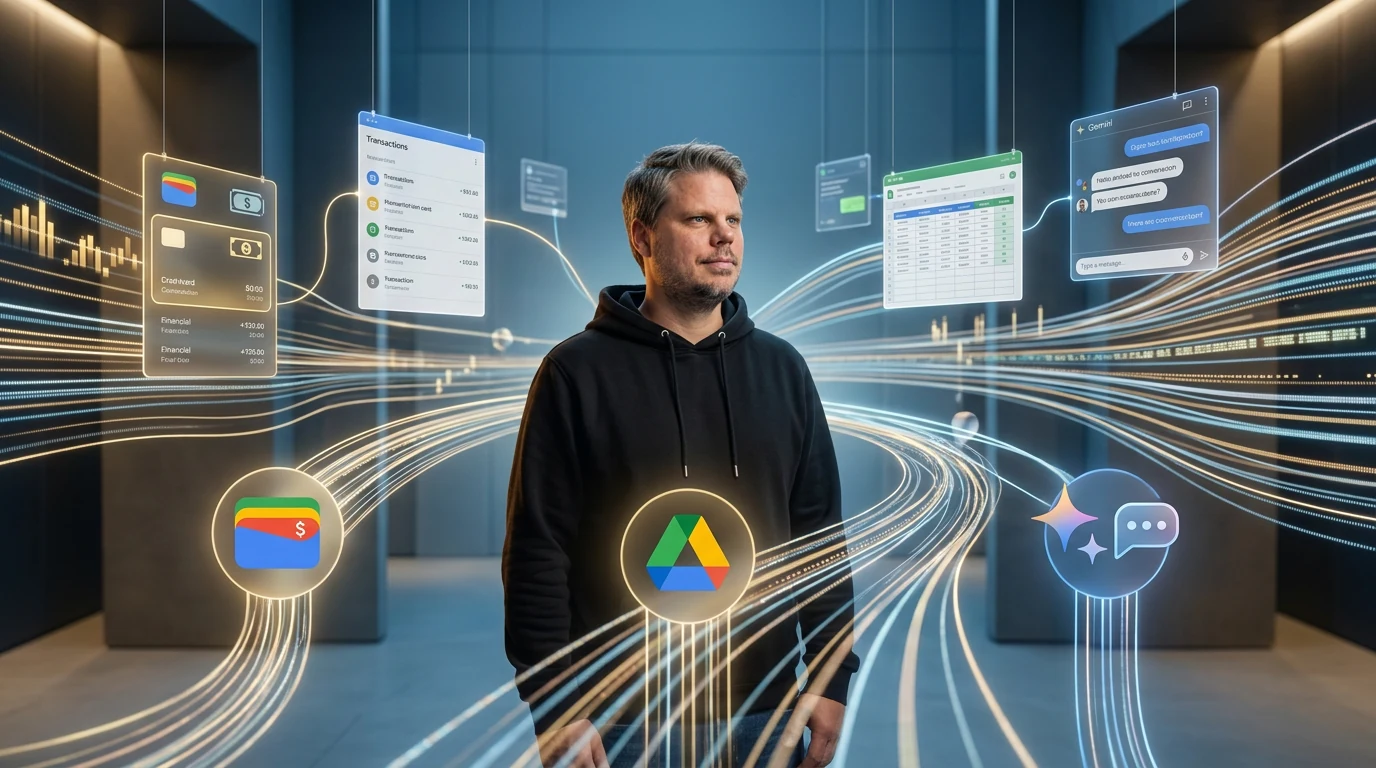
Google AI Mode can now use information from Google Wallet when answering your searches. Over the coming weeks, Personal Intelligence will also be able to draw context from Google Drive and the Gemini app. That means Search can combine financial information, documents, previous conversations and the web in a single answer.
This could be extremely useful. You may no longer have to explain your financial goals, dig up the right spreadsheet or restart the same research in two different Google services. At the same time, this is about as personal as search can get. There is a substantial difference between Google finding a webpage about personal finance and AI Mode reading your own transactions before it responds.
The connections are optional, and Wallet provides read-only access. You should still understand exactly what is being connected before you turn anything on. Google’s biggest advantage in the AI race is not just its Gemini models. It is the enormous amount of useful context already sitting inside services people use every day.
What is new in Google AI Mode?
Google is expanding Personal Intelligence in AI Mode with three new connections. Google Wallet began rolling out on November 23, 2026, while Google Drive and the Gemini app are due to follow over the coming weeks. Gmail, Google Calendar and Google Photos could already provide personal context to the feature.
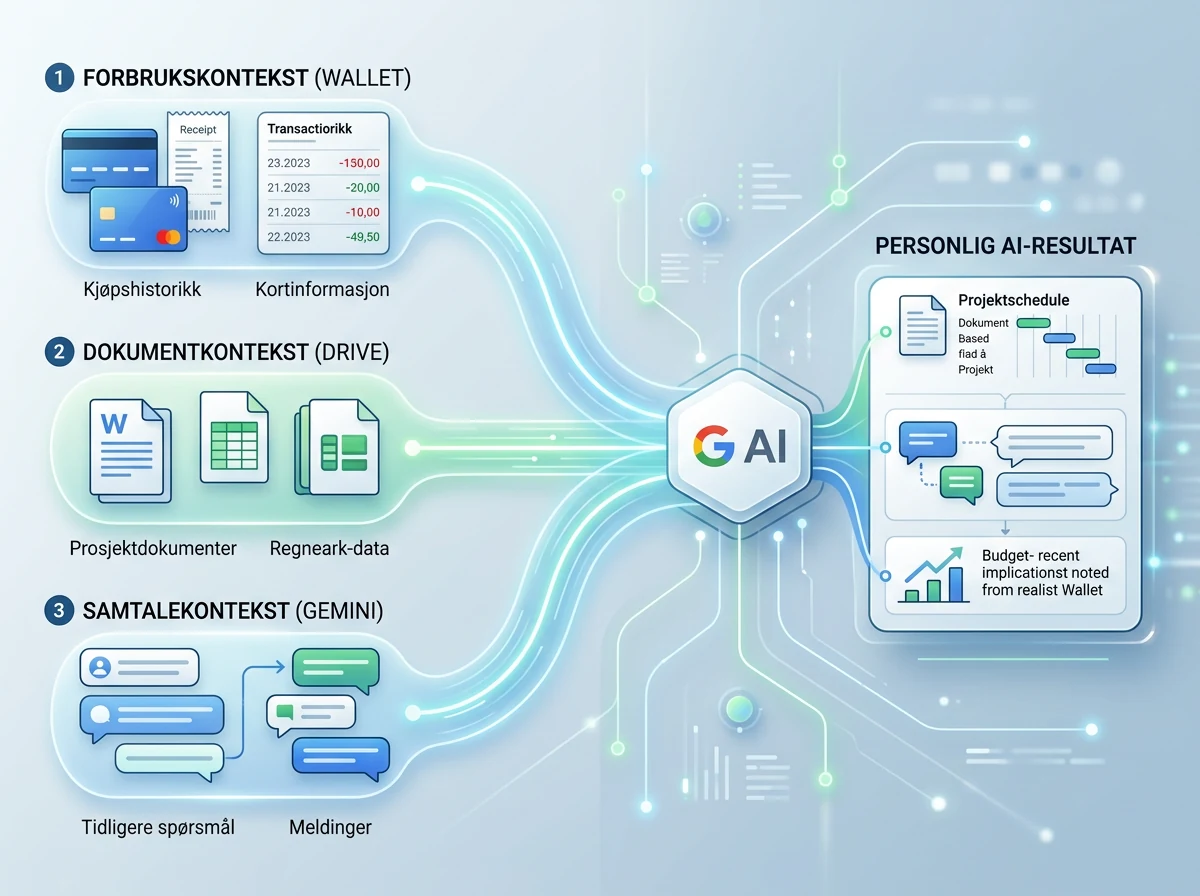
With Wallet connected, AI Mode can look for spending patterns, help with financial goals and identify benefits associated with your cards. Google explicitly says AI Mode can read account information but cannot move, manage or invest money. This is analysis and retrieval, not permission to carry out banking transactions.
The Drive connection will let Search use documents, spreadsheets and PDF files as background for an answer. Google gives tax-season planning as an example: information scattered across several files could be brought together into a personal plan. The Gemini app connection is designed to move context in both directions. An idea you explore in Gemini can be continued in AI Mode without starting from scratch.
Why is this such a powerful advantage for Google?
Google can personalize AI search with data that is already organized around a user’s daily life. Documents are in Drive, appointments are in Calendar, pictures are in Photos, purchase information is in Wallet and earlier work is in Gemini. A competitor may build an equally capable model, but it does not automatically receive the same connected context.
That integration makes this more important than another small feature in a search box. Google’s distribution and product ecosystem already give Gemini a substantial head start. Personal Intelligence puts that advantage to work: Google does not have to persuade users to move their entire digital lives into a new service.
For the user, the result can be much more specific. A conventional AI search can explain how to create a budget. A personal search could, in theory, see which categories you actually spend money on, which card benefits you have and which goals appear in your own documents. The difference is not prettier prose. It is less work collecting and explaining the background.
What can AI Mode actually do with Wallet?
AI Mode can use information from Google Wallet to map financial milestones, find opportunities to reduce everyday expenses and help you make use of cashback, travel benefits and reward points. Cards and financial accounts connected to Wallet can form part of the analysis.
The boundary matters: Google describes read-only access. AI Mode cannot transfer money, buy investments or manage an account on your behalf. TechCrunch highlights the same distinction between personal analysis and actual banking actions.
That makes the feature less risky than an agent with full control of your finances, but it does not make it harmless. A detailed picture of spending, payment methods and financial goals is extremely sensitive information. An AI answer is still an AI answer, and Google’s own guidance warns against relying on Gemini as a financial adviser. Treat the analysis as a starting point that you verify, not as the final word on important financial decisions.
Drive and Gemini remove much of the repetition
When Drive support arrives, AI Mode will be able to draw information from documents, spreadsheets and PDFs. That can be useful when an answer depends on several files at once, such as a project plan, a budget and a requirements document. You will not have to find every file, upload it and explain the relationship all over again.
The Gemini app integration addresses a different irritation. Work that begins as a conversation in Gemini should be able to continue as a search in AI Mode. In the other direction, Gemini can build on what you investigated in Search. Google describes shared context, not merely a link that opens the other app.
Anyone who already works with AI agents will recognize the principle: good context often matters more than another long prompt. But this is not my own test of Google’s new connections. Google has not provided a complete country-by-country availability list in the announcement either. Wallet is rolling out first, while Drive and Gemini remain promised for the coming weeks.
What happens to your data?
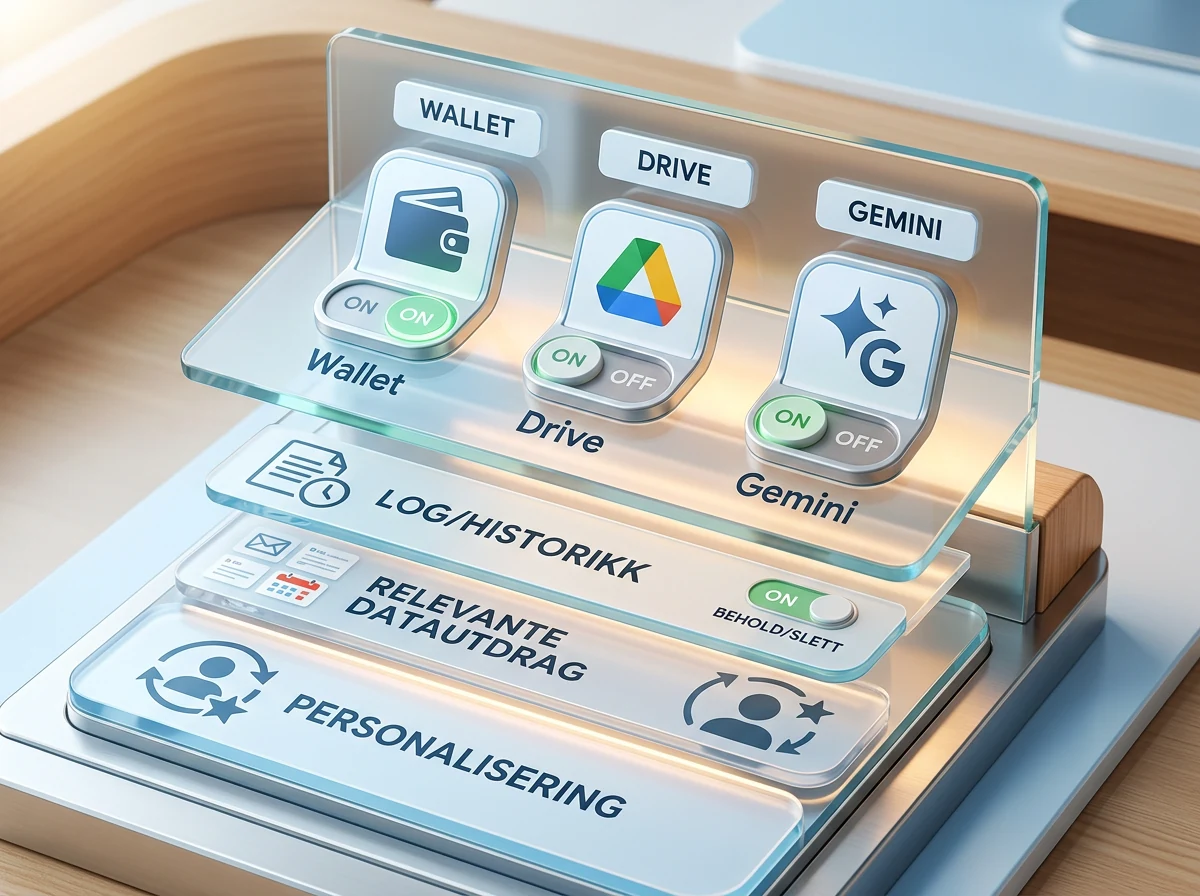
You have to enable the connections yourself. In Search Personalization, you choose Connected Apps and decide which services AI Mode may use. Google says the connections can be turned off again at any time. The company is also adding a personalization icon beneath tailored answers so you can see which context AI Mode used.
That is good, but “optional” does not settle the privacy question. Google’s help page for Connected Apps explains that relevant excerpts, summaries and inferences from connected data may become part of Gemini interactions. If Gemini History is enabled, those interactions can be used to improve services and train generative AI. Google says the models are not trained directly on your entire inbox, Drive or Wallet account.
That distinction matters, but it is not magic. The help page also says a summary can sometimes include an entire email or file when the content is short or especially relevant. Some interactions, excerpts and inferences may also be reviewed by people for troubleshooting, safety and improvement. Google tells users not to connect apps containing confidential information they would not want a reviewer to see.
Disconnecting an app does not automatically delete information already stored in Gemini History. You have to manage that history separately. This is exactly why you should read the settings before connecting an app, not after you have used it for several weeks.
Should you connect everything?
No. Connect the services that solve a specific problem for you and leave the rest off. If your goal is to continue research between Gemini and Search, you do not automatically need to grant access to Wallet. If you want to analyze spending, every document in Drive does not have to come along for the ride.
Start with one connection and a few questions where you already know the correct answer. Check which sources AI Mode uses, whether it mixes old and new information, and whether the personalization icon provides enough visibility. A personalized answer can feel convincing precisely because it contains details from your life. That does not make the reasoning more accurate.
Google has built an unusually powerful combination of search and personal context. For many people, the benefit will be real: fewer uploads, less repetition and answers that take their own files and goals into account. But connect with a purpose. Convenience is a lousy reason to open every data door at once.
Google is turning Search into a personal work layer
AI Mode is moving from an alternative search interface to a layer across the entire Google account. Search began with information from the web. Then came context from Gmail, Calendar and Photos. Now Google is adding finances, documents and continuous work across Gemini and Search.
The model is only one part of the product. The value appears when that model gets the right tools, access to relevant context and a place in the workflow the user already has. That is the larger pattern here, and it is why Google’s ecosystem matters so much.
Google can deliver a kind of personalization that is difficult to copy without a comparable ecosystem. At the same time, the boundary between search engine, assistant and personal data archive is becoming less clear. That is a major product advantage, but it also places a major responsibility on each user. Use the feature if it saves you real work. Just do not mistake a convenient answer for a free lunch.
Frequently asked questions
Can Google AI Mode move money from Wallet?
No. Google says AI Mode can only read relevant account information from Wallet. It can analyze spending and card benefits, but it cannot move, manage or invest money on your behalf.
Is Google Drive already available in Personal Intelligence for Search?
Not as a completed general rollout in this announcement. Wallet began rolling out on November 23, 2026. Google says support for Drive and the Gemini app will follow over the coming weeks.
Can I disconnect Wallet or Drive later?
Yes. You choose connected apps in Search Personalization and can switch each connection on or off. Disconnecting an app does not automatically delete information that is already stored in Gemini History, so you must manage that history separately.
Is Personal Intelligence in AI Mode available in my country?
Google did not provide a complete country-by-country availability list in its November 23, 2026 announcement. Access may vary by account, country and subscription. Check Search Personalization and Connected Apps in your own Google account before assuming the feature is available.