Innhold Show
If you want to generate and edit images locally at a full 16 MP, MiniMax H3-Image is a release worth watching. The new model combines text-to-image generation and image editing in one checkpoint, uses only six sampling steps and can work with as many as 16 reference images.
The weights are available, Diffusers support is in place, and ComfyUI already has ready-made workflows. That is the part I like. Open weights give developers and creative users the freedom to inspect, build and adapt without being locked into one closed online service.
But this is not a small model, and the word “open” needs a very large footnote. The full BF16 setup involves well over 130 GB of model files once the text encoder is included. More importantly, MiniMax calls H3-Image open source while its custom license contains both geographic exclusions and commercial restrictions. The weights are open. The license is not.
What is MiniMax H3-Image?
MiniMax H3-Image is an image model based on the H3 architecture, minus the audio layers. One checkpoint handles both generation from text and editing with one or more reference images. The official model card specifies a dense 33.1-billion-parameter DiT with 50 layers and six sampling steps.
The model uses the unchanged Qwen3-VL-based text encoder from MiniMax H3. Reference images also pass through a dedicated image VAE before text, source images and the target image are processed as one sequence. This is a natural continuation of the H3 family, but the entire release is focused on still images.
MiniMax released H3-Image on November 10, 2026. It can run through SGLang, vLLM-Omni, Diffusers and ComfyUI, while MiniMax also offers an API and its own apps. This is not merely a launch promise or a screenshot. The model files, documentation and workflows actually exist.
Why do 16 MP and six steps matter?
MiniMax H3-Image generates about 16 megapixels directly. A square image can be 4,096 x 4,096 pixels, while the 21:9 format reaches 6,272 x 2,688. The pixels are produced during generation rather than being added afterward by a separate upscaler.
That is a strong starting point for cropping, print and further editing. The documented working range is roughly 4 to 20 MP, with the model performing best at around 16 MP. If you request a smaller image in Diffusers with the standard settings, it first generates on a canvas of at least 4 MP and then scales the result down. A 1,024 x 1,024 request is therefore not automatically a cheap miniature job.
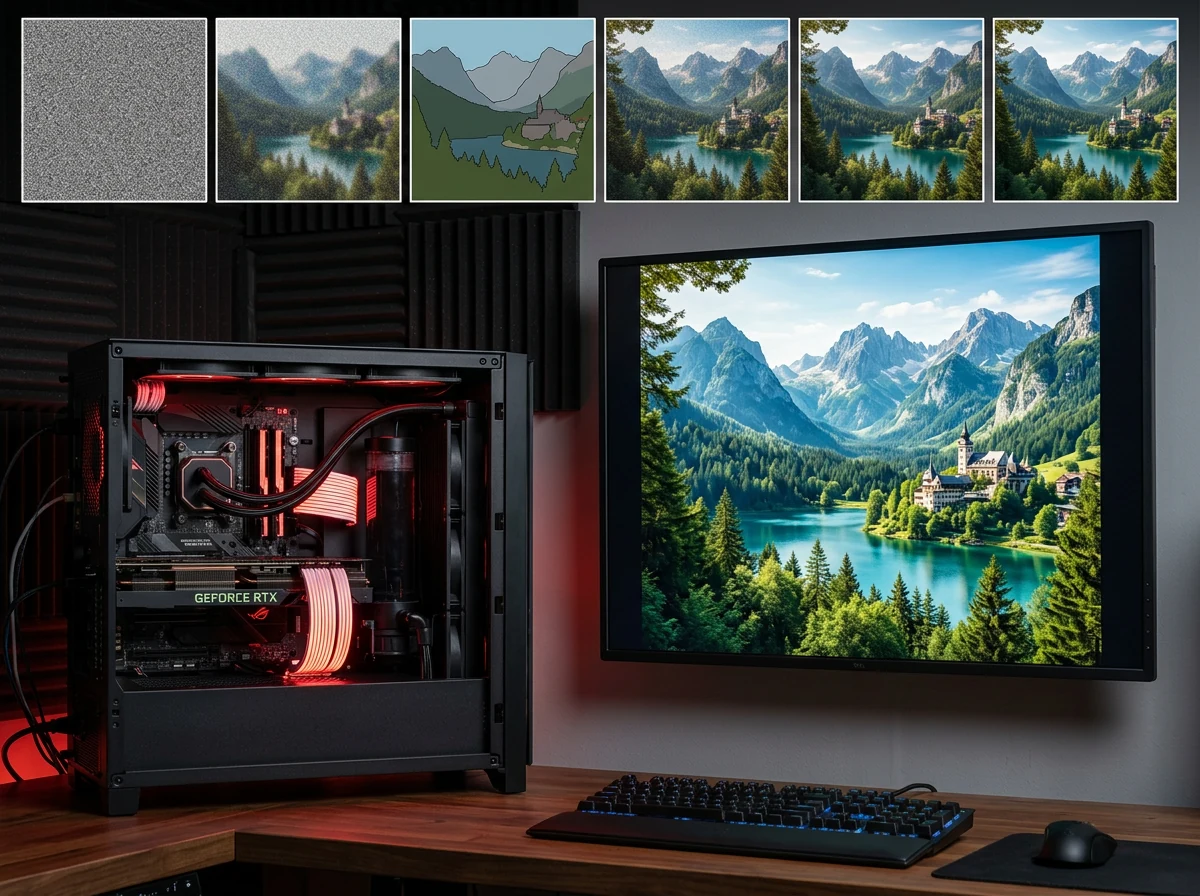
The six-step sampler also makes the workflow more practical than the parameter count might suggest. Guidance is fixed at 1, there is no separate classifier-free guidance pass, and negative prompts are not supported. The full instruction, including anything you want the model to avoid, must go into the positive prompt. Fewer steps reduce the computation per image, but this enormous model is still nowhere near lightweight AI.
How much hardware do you need?
The official image checkpoint is 68.65 GB. The transformer accounts for 66.28 GB and the image VAE for 2.34 GB. On top of that comes the 66.7 GB MiniMax H3 text encoder. If H3 is already in your local Hugging Face cache, the same encoder can be reused. Otherwise, the total is about 135 GB before adding an optional prompt expander.
The two largest components do not fit together on an 80 GB GPU in BF16. The Diffusers example therefore enables automatic CPU offloading. A 4,736 x 3,552 generation then peaks at approximately 65 GB of GPU memory. That is a fairly clear indication of who the full-precision version is built for.
Local use is not limited to data centers, however. The ComfyUI setup uses a pruned 21 GB INT8 transformer and a 25.28 GB INT8 text encoder, plus a 1.17 GB VAE. Its optional prompt expander adds another 7.34 GB. The components do not necessarily have to remain in GPU memory at the same time, but ordinary graphics cards will still require offloading, plenty of system memory and patience.
MiniMax H3-Image is local, in other words, but it is not small. I have previously run the MiniMax H3 video model locally on a single RTX 4090, but I have not tested H3-Image. The figures here come from the published documentation, not my own measurements of speed or image quality.
How do you get started in ComfyUI?
ComfyUI provides two ready-made templates: one for text-to-image generation and one for image editing. The official ComfyUI guide requires version 0.45.0 or later and template pack 0.11.104 or later. If the nodes or templates are missing, update ComfyUI first.
The text-to-image template opens at 4 MP to reduce the risk of running out of memory. You can select an aspect ratio and then raise the pixel count if the machine has room. The standard workflow uses Euler, the simple scheduler, six steps, CFG 1 and MiniMax’s distilled sampling schedule.
The editing template loads the source image as <Picture 1>. Additional references are numbered in load order, up to <Picture 16>, and you can address each one directly in the prompt. If an editing job runs out of memory, ComfyUI recommends enabling its image-and-mask scaling node and reducing the megapixel count before sampling.
The prompt expander is optional. MiniMax’s official version is 17.9 GB, while the ComfyUI template uses a lighter Qwen3.5 9B variant. It is disabled by default in the text-to-image workflow, so your prompt reaches the model unchanged. The editing workflow enables it to build a more detailed, reference-aware description of the intended result.
Is MiniMax H3-Image really open?
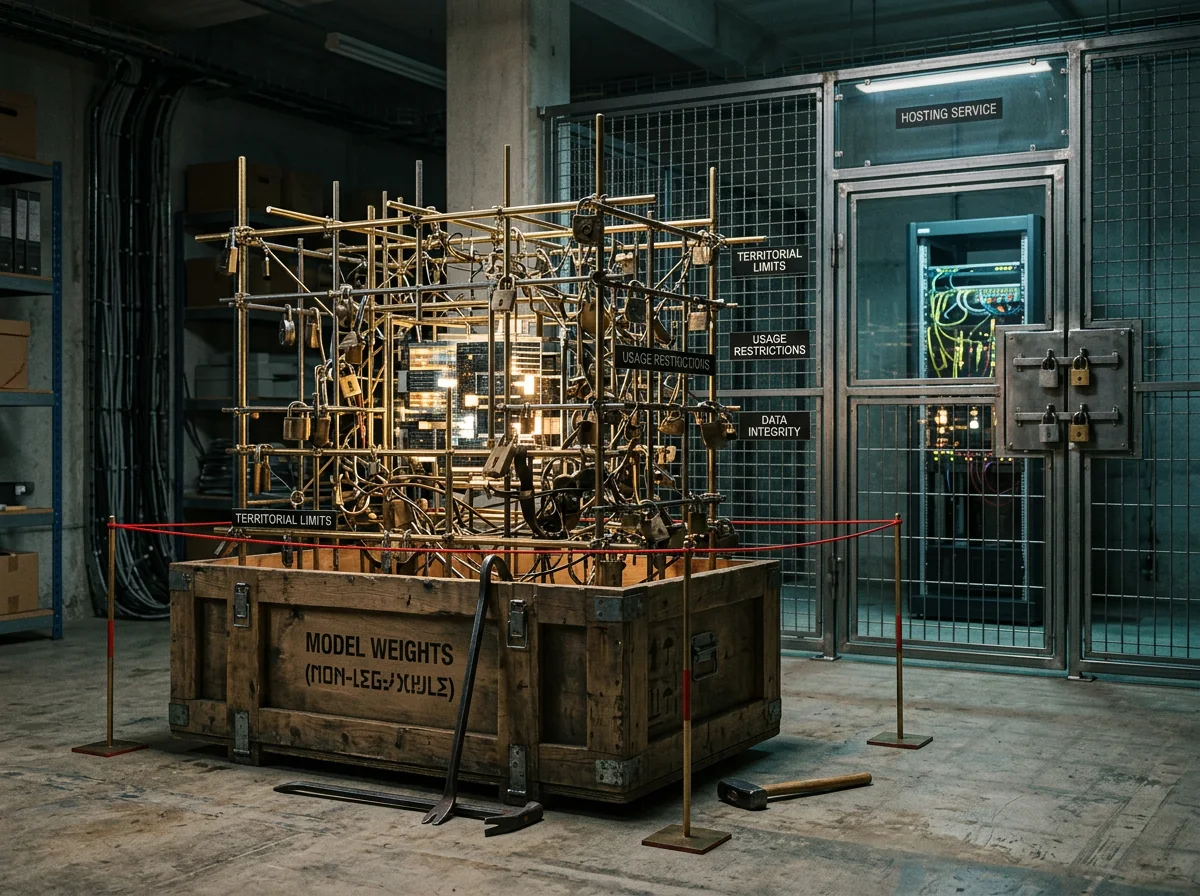
The weights are available, but the license makes “open source” the wrong label. The MiniMax-H3-Image Community License Agreement grants rights to use, modify and distribute the model only inside a defined territory. The European Union, United Kingdom, South Korea and United States are expressly excluded. Users in those places must contact MiniMax for a separate license.
Norway falls inside the license’s defined Applicable Territory because it is not part of the EU. That does not make the terms open. Prior written authorization is required if a company and its affiliates exceed $1 million in annualized revenue or if the model is offered to third parties as a hosted service. The license also prohibits using the model, its outputs or its results to improve another AI model outside the H3-Image derivative family.
This is not a minor detail buried at the back of the documentation. A model can be technically downloadable and legally unsuitable for your product at the same time. Private experimentation in Norway appears to face a much lower threshold than running a public image service, but the actual terms – not the word “community” – decide what you are allowed to do.
I like open weights, but MiniMax deserves both praise for publishing this model and criticism for using an openness label that the license does not live up to. Call it an open-weight model under a restrictive custom license. That is accurate, and accuracy is free.
What can you do with 16 reference images?
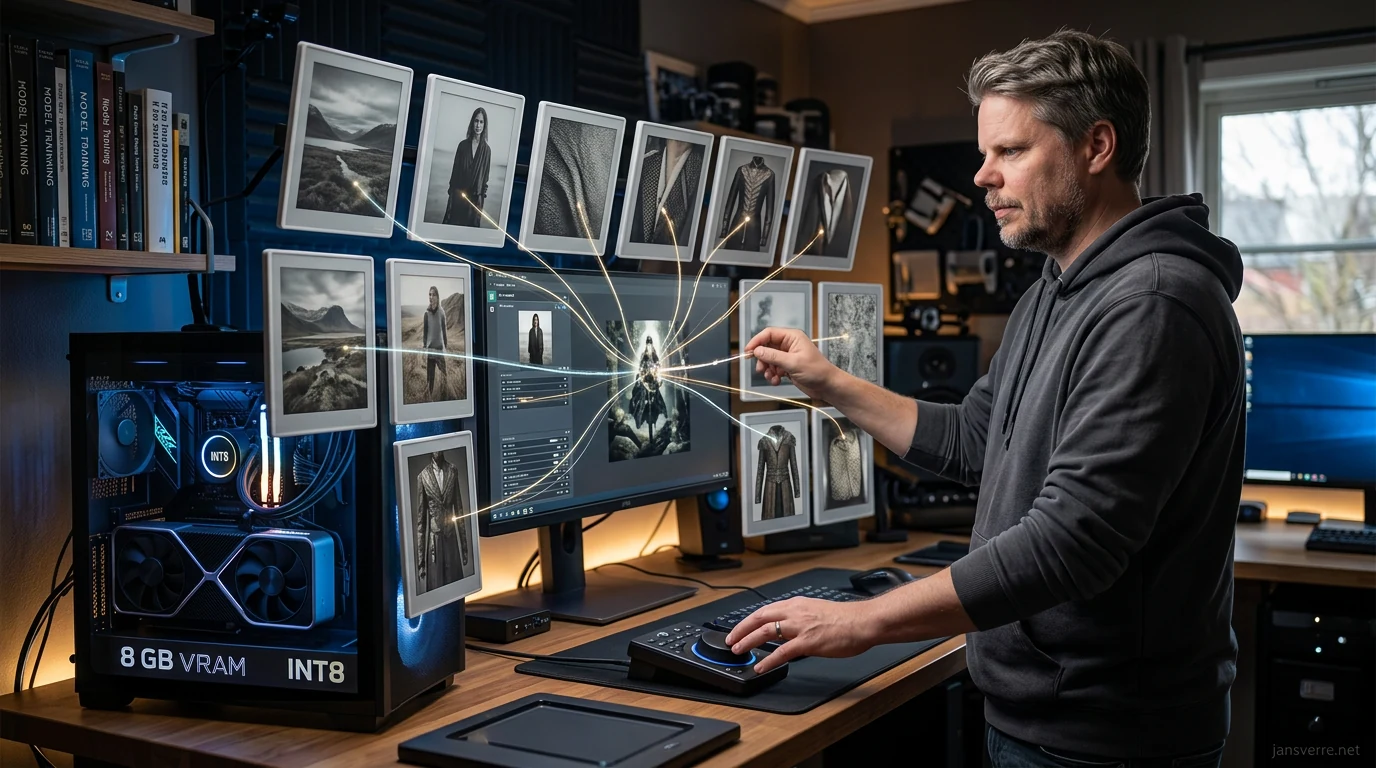
MiniMax H3-Image can accept up to 16 images in one editing job. That makes more complex tasks possible than changing a single source image. You can provide a main image, separate objects, material references, clothing, props and a composition reference, then identify every image by number in the instruction.
Sixteen references do not automatically produce a good result. The more constraints the model has to combine, the greater the chance that something will be lost or mixed together. The practical value depends on how well it preserves priorities across repeated edits, not on how many files the interface accepts.
MiniMax shows selected examples that include combining ten furniture references inside one room. It is a useful demonstration of capacity, but it remains a vendor-selected result. Until the model has been tested across repeatable workflows and difficult material outside the launch showcase, it is too early to rank its quality against established alternatives.
My verdict on MiniMax H3-Image
MiniMax H3-Image is a substantial release, not merely another model name. Native 16 MP output, six steps, one model for generation and editing, support for as many as 16 reference images and working ComfyUI integration give it a clear place in the local image landscape. I am genuinely glad the weights have been published.
The full-precision hardware requirement is brutal. Quantized ComfyUI files make the model much more accessible, but “available to download” does not mean “comfortable on any gaming GPU.” Waiting time, offloading, system memory and the actual quality of the quantized versions all belong in the calculation.
The biggest catch is still the license. Geographic exclusions and a separate authorization requirement for hosted services are far removed from what people normally mean by open source. Download and explore it if your hardware, location and use case fit, but read the license before building a service around it. Open weights are valuable. Pretending the terms are open just because the files can be downloaded is not.
Frequently asked questions
Can MiniMax H3-Image run locally?
Yes. MiniMax H3-Image supports ComfyUI, Diffusers, SGLang and vLLM-Omni. The full BF16 setup is extremely heavy, while ComfyUI offers quantized components. Expect offloading, substantial system memory and slower generation on ordinary graphics cards.
What image sizes does MiniMax H3-Image generate?
The model works best at around 16 MP. Documented sizes include 4,096 x 4,096 for square images, 5,472 x 3,072 for 16:9 and 6,272 x 2,688 for 21:9. Its practical range is approximately 4 to 20 MP.
Is MiniMax H3-Image open source?
No, not in the usual sense. The weights are published, but the custom license contains geographic and commercial restrictions. The EU, United Kingdom, South Korea and United States are excluded, while hosted services require separate written authorization.
Does MiniMax H3-Image work in ComfyUI?
Yes. ComfyUI has templates for both text-to-image generation and image editing. The guide requires ComfyUI 0.45.0 or later and template pack 0.11.104 or later. Its two main quantized files are 21 GB and 25.28 GB.