
Innhold Show
OpenAI Dots is meant to be the personal AI agent that keeps working after you have moved on to something else. It builds on Codex, follows goals in the background and can suggest the next step without making you open a fresh chat and explain the whole job again.
The direction makes sense. The biggest bottleneck with today’s coding agents is not always whether they can complete one task. It is how much supervision, context and nudging they need along the way. Dots is OpenAI’s attempt to package that capacity as one persistent assistant that knows your work and comes to you when a decision is needed.
I like the idea. But an agent does not become reliable just because it gets a name, a cute icon and the keys to more services. In my experience, Codex has been too unstable to take independent responsibility for important workflows. Dots may make the supervision easier, but OpenAI still has to prove that the agent can work accurately over time.
What is OpenAI Dots?
OpenAI launched Dots at its developer day on September 29, 2026. It is a personal AI agent designed to pursue user-defined goals in the background with less hand-holding than Codex requires today.
Dots is available in ChatGPT on desktop and mobile for Pro subscribers and higher tiers, with plans starting at $100 per month. When the agent is connected to your calendar, email, computer and other tools, it can follow the work and offer help along the way.
This is not just another chatbot waiting for a prompt. The point is persistence: a dot can keep thinking about a goal, use the resources it has been allowed to access and come back with a proposal. That could turn AI into a coworker that keeps work moving instead of another box that waits for instructions.
From Codex to an agent that takes the initiative
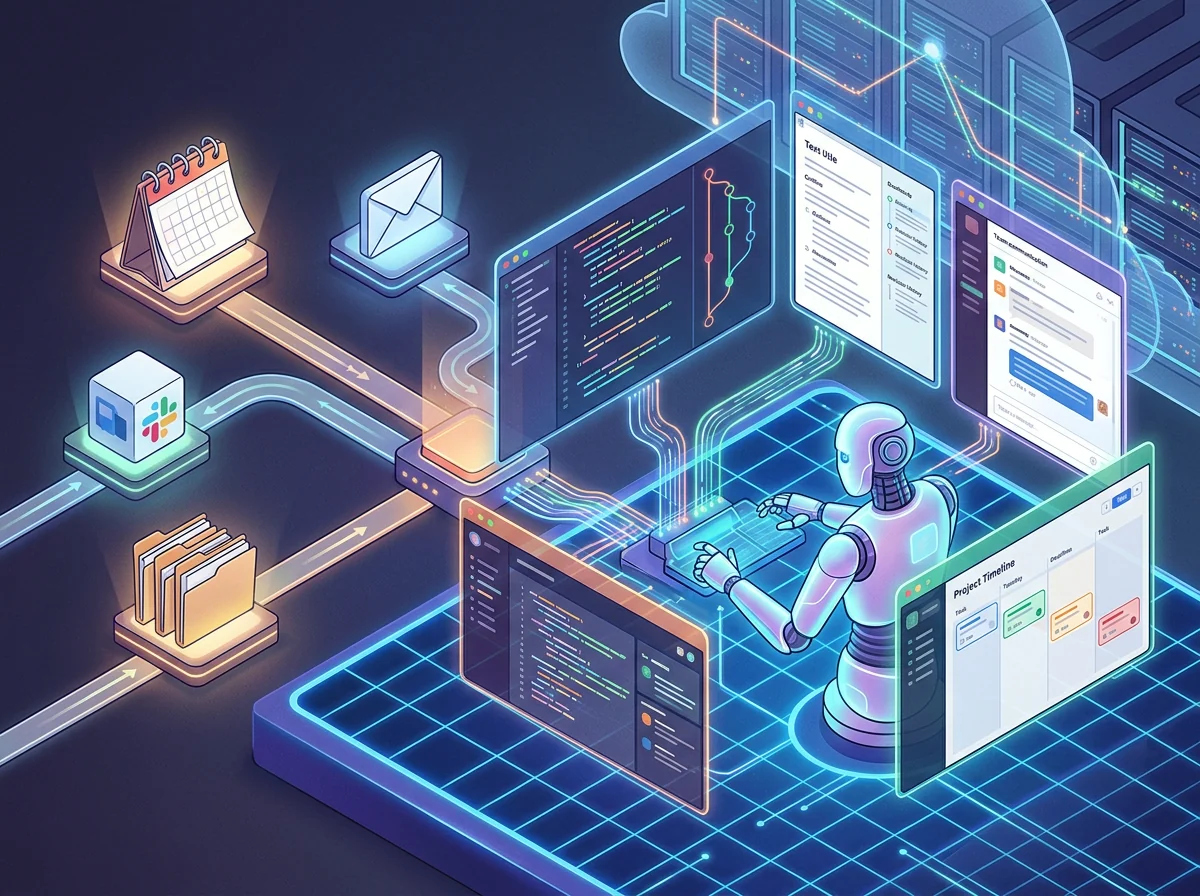
Dots grew out of OpenAI’s coding tools. Alexander Embiricos, who leads the company’s enterprise product team, told TechCrunch that much of this functionality could already be achieved with Codex. The problem was that the user had to do more of the planning and keep holding the agent’s hand.
That is the line Dots is trying to move. A conventional coding agent waits for a task. With “proactive research,” a dot can examine the conversation, what it knows about the user and the sources it has been allowed to access. It can then investigate how it might help and return with a proposal.
TechCrunch describes an engineer at a drone delivery company whose agent detected an operational failure, analyzed it and gathered information about possible fixes before the engineer had time to react. That is the kind of relief that could make persistent agents genuinely valuable: not one more box where you type questions, but a system that follows the work itself.
OpenAI Dots puts the work in one conversation
Dots is presented as a character and one continuous conversation. That may sound cosmetic, but the product choice matters. Most people do not want to manage a squad of specialist agents, keep track of 14 threads and remember which agent knows which project. They want to ask for help in ordinary language and expect the assistant to find the right tool.
Embiricos describes the trend as a form of convergence. Several AI companies are ending up with personal characters because one recognizable entity makes the system easier to understand. The name “dots” refers to the empty space in the OpenAI logo and is supposed to become something ubiquitous. Cute, of course. Behind those dots sits a fairly serious amount of access, data and computing power.
The single-conversation idea could also solve one of the dullest problems in agentic work: repeatedly rebuilding context. An assistant that remembers the goal, watches the connected systems and knows when to surface a decision can save far more time than a model that merely answers one isolated prompt a little better. That is the real promise here.
An always-on agent needs a lot of access
Dots becomes useful when it knows your calendar, email, computer and work tools. That is also the exact moment it becomes risky. An agent with access to your inbox and files can make a much bigger mess than a chatbot that only sees the text you paste into it.
OpenAI says Dots has the same privacy controls as ChatGPT. You can disable the use of conversations for model training and decide which resources the agent may access. But TechCrunch also found that the controls were not granular enough. Dots refused to accept read-only access to cloud storage, and Embiricos acknowledged that OpenAI needs to build much more detailed controls.
That is a real problem, not a minor setting to tidy up later. An always-on agent needs access to be useful, but every additional permission raises the cost of a mistake. OpenAI is also talking with payment companies about what agents may be allowed to do next. My bank account stays out of reach. Full stop.
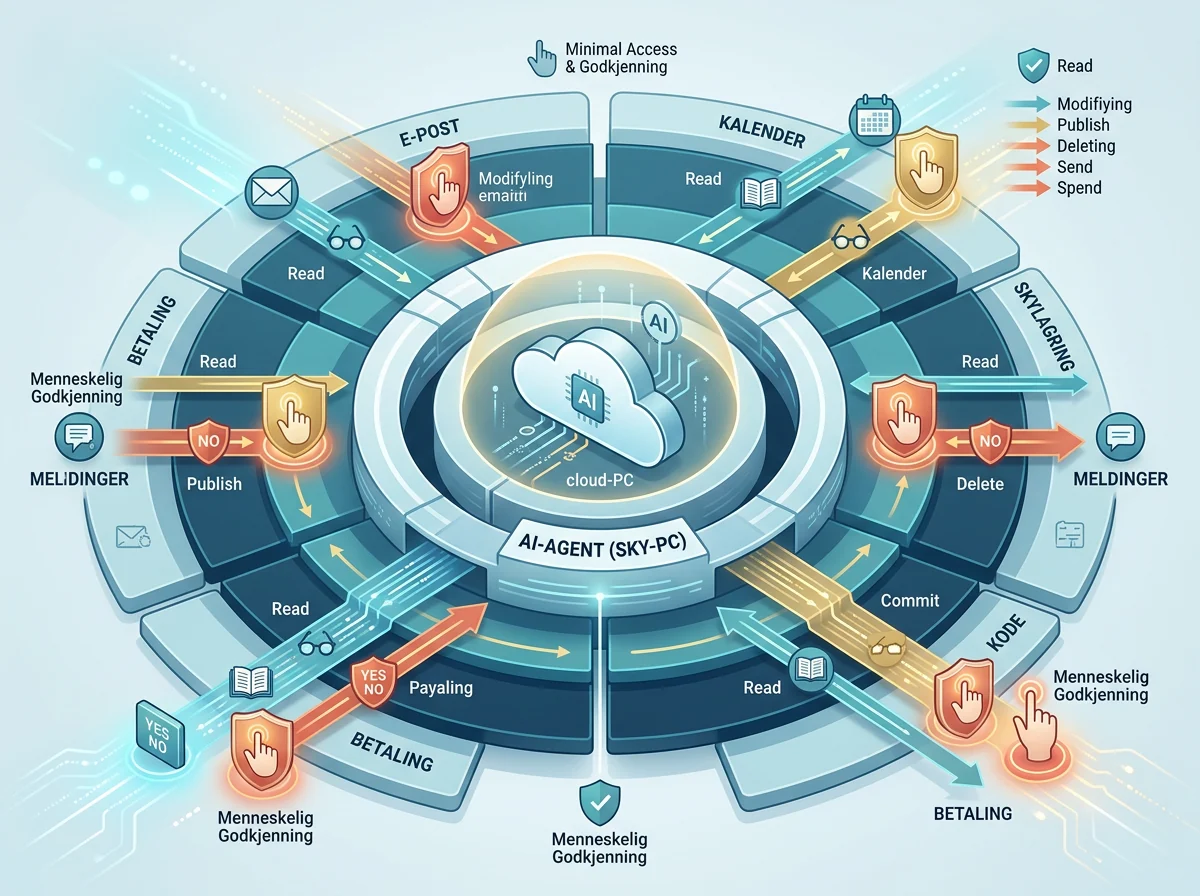
There is no reason to panic, but there is every reason to be picky. Start with the smallest possible set of permissions. Keep spending, deletion, publishing and messages to other people behind explicit approval. And do not connect your entire digital life on the first evening just because the onboarding screen looks friendly.
OpenAI still has to prove Dots can handle ordinary life
TechCrunch tested the proactive feature and found it useful quite often, although the timing did not always work. Embiricos also described an early version that warned him about a calendar conflict only three minutes before the meeting. The agent had technically detected the problem. It had merely missed the rather important detail that a warning has to arrive early enough to help.
That example captures the whole challenge. An always-on agent cannot merely produce correct sentences. It has to understand what is urgent, what can wait, when to interrupt and which actions require approval. Almost right is not good enough when the agent has responsibility for real accounts and workflows.
At launch, Dots asked for permission frequently, and OpenAI was criticized because the agent felt nagging and intrusive. Embiricos believes that behavior can be tuned. It probably can, but removing approval prompts does not merely make the agent smoother. It can also make the agent more dangerous. No marketing line can make that tradeoff disappear.
I have not tested Dots myself. This is a source-based assessment of the launch and TechCrunch’s test. There is not yet enough evidence to say that OpenAI has solved the stability problem that makes autonomous agents difficult in real work.
For now, let Dots prepare decisions rather than make them
I would use Dots to detect problems, gather information, prepare drafts and propose actions. That is where an agent can save a lot of time without getting the final word. Let it find the calendar conflict, analyze the error and prepare the response. Let a person decide whether the meeting moves, the code gets merged or the message gets sent.
That is not a small role. An agent that reliably completes most of the preparation can be more valuable than one that promises autonomy and makes one expensive mistake. OpenAI’s own product executive says he never wants to have a meeting with somebody else’s AI agent. It is almost comically honest, but also revealing: even the people building this still want a human on the other side when something actually matters.
Dots points toward a future where AI does not wait in a browser tab but follows the work continuously. That could be a real leap. Before I give an agent like this free rein, I want to see it survive boring weeks, shifting priorities and unclear situations without losing the thread. A dot that never logs off is fascinating. It also needs to know when to keep its hands off.
Frequently asked questions
Who can use OpenAI Dots now?
Dots is available in ChatGPT on desktop and mobile for Pro subscribers and higher tiers. Eligible plans start at $100 per month.
Can a dot work without being prompted?
Yes. A dot can investigate how it might help and propose work based on the conversation and the resources you have allowed it to access. What it can actually do depends on its connected services and permissions.
How is OpenAI Dots related to Codex?
Much of the underlying behavior could already be assembled with Codex, but it required more planning and supervision from the user. Dots packages that technology as one persistent, more proactive assistant that follows goals over time.
Should Dots have access to email and files?
Start small. Grant only the access needed for the job, and retain human approval for messages, deletion, publishing and spending. TechCrunch found that the access controls were not yet as granular as an always-on agent needs.