

Innhold Show
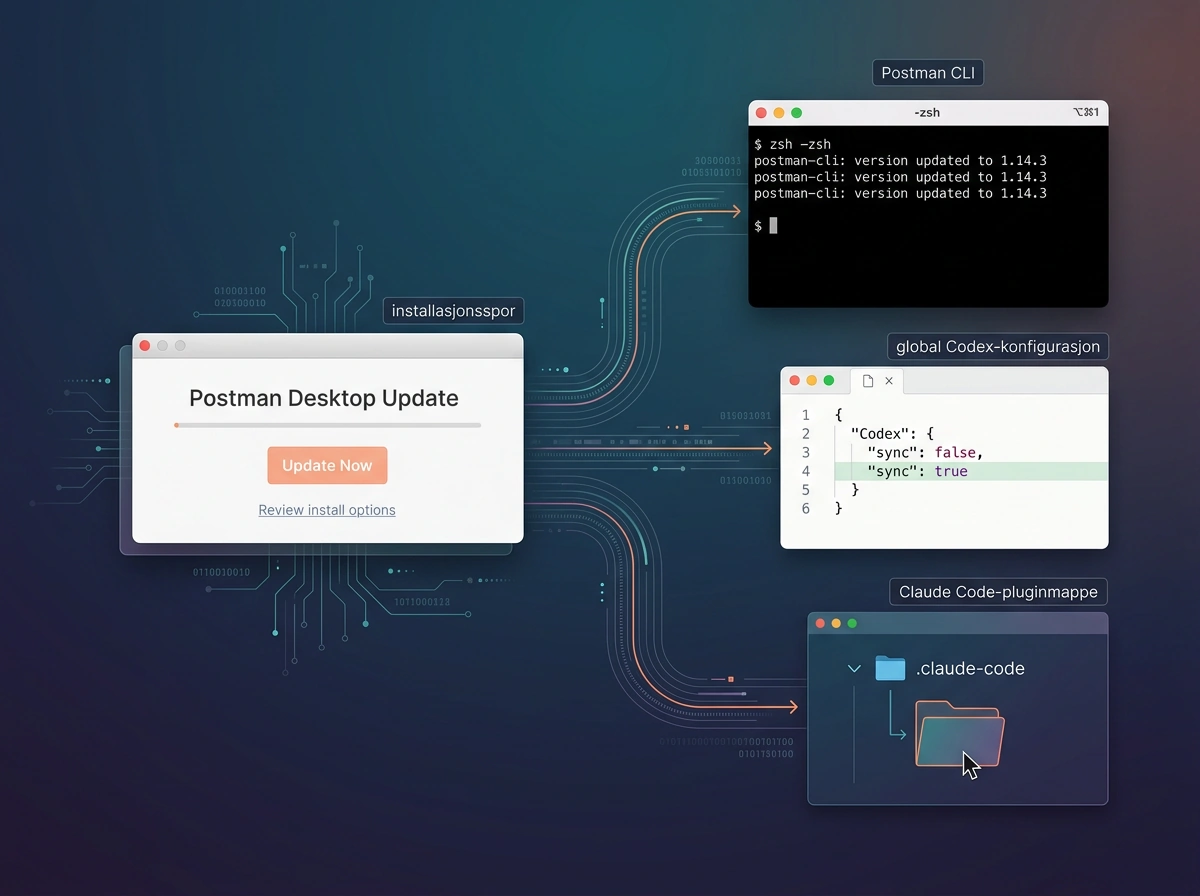
If you have opened Postman Desktop on a Mac recently, the app may have installed Postman CLI and plugins in Codex and Claude Code without giving you a clear choice about each integration.
This is not a theoretical concern. Logs from two Macs show automatic installations across multiple Postman versions. The plugin added a startup instruction that tried to make Postman the default entry point for a broad range of API tasks, while the installer code attempted to approve its own Codex hook.
That is a serious breach of a basic boundary: an API tool must not alter other developer tools and influence your AI agents without a clear yes. I also want to be precise. The public evidence does not show that Postman uploaded or stole all API data. It shows unwanted installation, broad instruction steering and an attempt to establish trust for its own hook. That is bad enough.
What did Postman install automatically?
The original report concerns Postman Desktop 12.33.4 on macOS. According to the detailed GitHub issue, Postman’s own log recorded automatic installation of both Claude Code and Codex plugins on October 24, 2026. The same installation window also included a separate Postman CLI.
In Codex, Postman’s marketplace and plugin were enabled in the user’s global ~/.codex/config.toml. The plugin also pointed to Postman’s remote MCP server. In Claude Code, the Postman plugin was enabled at user level, while a Postman executable appeared in ~/.local/bin. This was not merely a new feature contained inside the Postman window.
The first report came from one Mac and was not a clean reproduction on a fresh machine. That is an important limitation. On November 3, however, another user posted logs from Postman 12.35.1 showing the same auto-existing-upgrade flow: the CLI, Claude Code plugin and Codex plugin were installed when an existing Postman installation was updated. That makes the behavior much harder to dismiss as a local accident.
The hook tried to make Postman the default
The Postman plugin registered a SessionStart hook that could run when a Codex session started, was cleared or was compacted. Its instruction told the agent to load the postman:api-engineer skill before answering almost any non-trivial API task.
The wording in the pinned source file from the installed revision covers API design, implementation, mocking, testing, monitoring, documentation and deployment. In other words, you did not need to ask for Postman. The instruction tried to place Postman in the middle of the workflow simply because the task involved APIs.
This is not an innocent shortcut. Startup instructions shape which tools an agent selects, what context it loads and which external services it brings into a task. When a product installs such a broad global instruction, it takes part of the decision away from the user. A plugin should be a tool you choose. It should not sneak in as your workflow manager.
The scope matters too. You can evaluate an integration you deliberately enable before it affects your work. An approved startup hook can influence an agent before the first task is handled. When the instruction covers API work in general, it may affect projects that have never had anything to do with Postman.
Postman’s instruction did say that direct user requests and project files such as AGENTS.md had higher priority. That is better than trying to override the user completely, but it does not make the global installation acceptable. Users should not have to write a counter-order into every project to escape an integration they never requested.
Did the installer try to approve itself?
Yes. The published installer code contained a function that obtained the current hook hash from Codex and wrote it into the user configuration as approved. Postman’s own source code described the function as approving Postman’s current hook after installation.
The first report found two trusted hashes in the Codex configuration. The reporter was also careful to say that the entries alone do not prove which user action or process wrote those exact values. The code does prove that the installer attempted to perform the approval. That distinction matters.
On the second Mac, running Postman 12.35.1, the plugin was still installed but there was no hooks.state entry or trusted_hash afterward. The hook therefore appears not to have received Codex trust on that machine. The approval behavior may have changed between versions, but the automatic plugin installation remained active.
Were all API data sent to Postman?
There is no evidence that Postman uploaded all API data. The original reporter explicitly limited the findings to unwanted integrations and instruction changes, not data extraction. The second report likewise said there was no evidence that data had been uploaded.
The confusion is understandable. The Codex plugin configured a remote MCP connection to Postman, while the startup instruction tried to route broad API work through Postman skills. On the first Mac, the MCP startup failed because authentication was required. But a configured connection and a broad instruction are not proof that every request, API key or specification was transmitted.
That does not make the risk irrelevant. After authentication, an MCP setup can give an agent new actions and add another external boundary to a development environment. That is exactly why the connection must be visible, limited and voluntary. A risk assessment should explain what a connection could enable, not pretend that logs already prove wholesale data transfer.
It is tempting to turn the drama up to eleven here, but that would make the case weaker. The documented incident is serious because a program took liberties across tool and trust boundaries. I do not need to pile an unsupported data-theft claim on top of it.
Postman confirms that the components were bundled
Postman responded in the GitHub thread on November 3. The company explained that it bundled the CLI and agent plugins with the desktop app because many users had trouble installing and connecting the components separately. Postman pointed to information on its download page and in the update flow, and said the components could be uninstalled from the app.
The company promised clearer consent, especially for existing users, and said it was reviewing hook approval and session-start behavior. In practice, that confirms the components were deliberately installed together. This was not a random third-party failure.
A further report posted on November 4 shows why cleanup needs to be verified. One user found the Postman plugin enabled in GitHub Copilot and wrote that Postman’s own uninstall process did not remove the Copilot entries. That is one user report, not a comprehensive test of every tool, but it is more than enough reason to inspect the result instead of blindly trusting the uninstall button.
The explanation still does not solve the main problem. A difficult integration does not give a vendor the right to install it in other applications and make it the default without explicit opt-in. A checkbox would not have been a technological revolution. It would simply have been basic manners.
What should you check now?
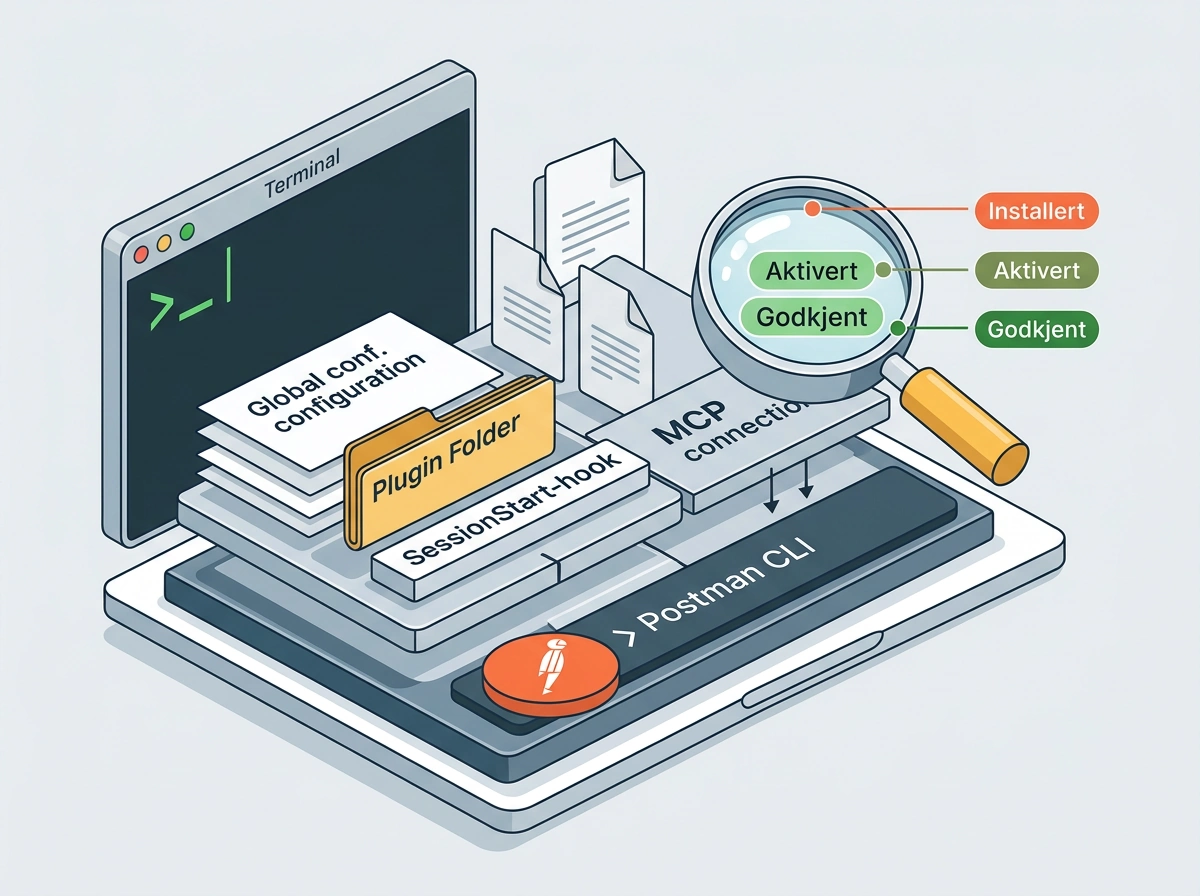
If you have used Postman Desktop on macOS, check whether the app left components outside the Postman installation itself. Look for Postman entries in ~/.codex/config.toml, ~/.claude/settings.json, ~/.claude/plugins and, where relevant, ~/.copilot/settings.json. Also check for a Postman CLI in ~/.local/bin and search Postman’s logs for autoInstall and auto-existing-upgrade.
Do not delete files blindly if this is a work machine or shared development environment. First document what was installed, when the files changed and which tools are affected. Then use the uninstall option in Postman and verify that global configurations, plugins, hooks, MCP settings and the CLI are actually gone. The original reporter asked for a complete cleanup procedure precisely because one button may not cover every surface the installer changed.
Pay attention to the difference between installed, enabled and approved. On the second Mac, the Codex plugin was installed and enabled, but the hook lacked the trust entry required to run in the tested Codex version. That distinction is useful during cleanup and incident analysis: a file on disk does not prove every feature executed, but it does prove the installer changed the environment.
Businesses should treat this as a change to the development environment, not merely an app update. An agent hook can influence tasks across codebases and workspaces. Inventory the affected machines, preserve the relevant logs and configuration changes, remove anything that was not approved, and ask Postman for a proper account of exactly what was installed.
Trust is the product
Postman works with APIs, authentication, environment variables and documentation that may sit among the most sensitive parts of a system. It is not enough to say an automatic integration was intended to help. Consent is not a minor user-interface detail here. It is the security boundary.
My verdict is simple: this should never have been the default behavior. Postman must stop automatically installing components in existing tools, require a clear yes for each integration and publish a complete cleanup guide. Trust for a hook must be decided by the user inside the tool that will run it, not by the program seeking access.
If you find these components on your machine without asking for them, do not just click through and move on. Document the changes, remove what you do not want and demand a proper answer from Postman. Convenience is useful. Taking liberties with someone else’s development environment is something else entirely.
Frequently asked questions
Did Postman really install plugins in Codex and Claude Code automatically?
Yes. Logs from two existing Postman installations on Macs show automatic installation flows for Codex and Claude Code plugins. The newer log also records automatic installation of Postman CLI. Postman confirmed that it bundled these components with the desktop app to simplify setup.
Did Postman steal or upload all API data?
That is not documented. The reports show a remote MCP configuration, broad instruction steering and unwanted installations, but both sources distinguish those findings from actual data extraction. There is no basis for claiming that Postman received every API request, key or specification.
How can I tell whether the Postman plugin is installed?
Check for Postman entries in ~/.codex/config.toml, ~/.claude/settings.json, ~/.claude/plugins and ~/.local/bin. If you use GitHub Copilot, also inspect ~/.copilot/settings.json. Search Postman’s logs for autoInstall and auto-existing-upgrade.
Is uninstalling Postman Desktop enough?
Do not assume it is. After uninstalling, inspect global agent settings, plugin files, hooks, MCP configuration and Postman CLI. Document the installed components first, especially on a work machine, so the cleanup can be verified and any remaining entries can be investigated.